
Introduction
In March of 2023, YouTube photographer James Popsys posed the question, “Are jpegs still terrible?” I think it was a good question and his video is worth watching.
I wrote and posted the majority of the follow as a comment on Mr. Popsys’ video. I recently flushed out a few points and post the result here for your edification.
Notes on the sample photos:
- Photos in this article were not shot under the harshest conditions, though it was dull and overcast which often presents a challenge for cameras trying to balance the subject and sky.
- I always use Evaluative Metering, though in reality I shoot in full Manual mode 99% of the time and pay more attention to the histogram and (when shooting RAW) follow the precept of expose-to-the-right (ETTR).
- I almost always have the camera set to the Neutral Picture Style, or a custom Picture Style. I don’t like the EVF/screen image or file previews to look over-cooked. When shooting RAW, I apply a custom Camera Profile during the Lightroom import so the other in-camera Picture Styles are meaningless to my editing workflow. (When specifically shooting for black-and-white, I use the Monochrome Picture Style.)
- For the JPEG captures in this article, I used the Neutral Picture Style, though admittedly, a punchier setting, like Standard or Landscape, would make the colours pop more.
On JPEGS As A Capture Format
I also am habitually a RAW shooter. For a time, on some cameras I shot RAW+JPEG when travelling because my iPhone/iPad OS at the time could only import and edit JPEGs. Now that Adobe Lightroom Mobile and Apple Photos can import and edit RAW files I have gone back to shooting only RAW. My newer cameras also have RAW editing built in so I can create tweaked JPEGs after the fact if I want to.

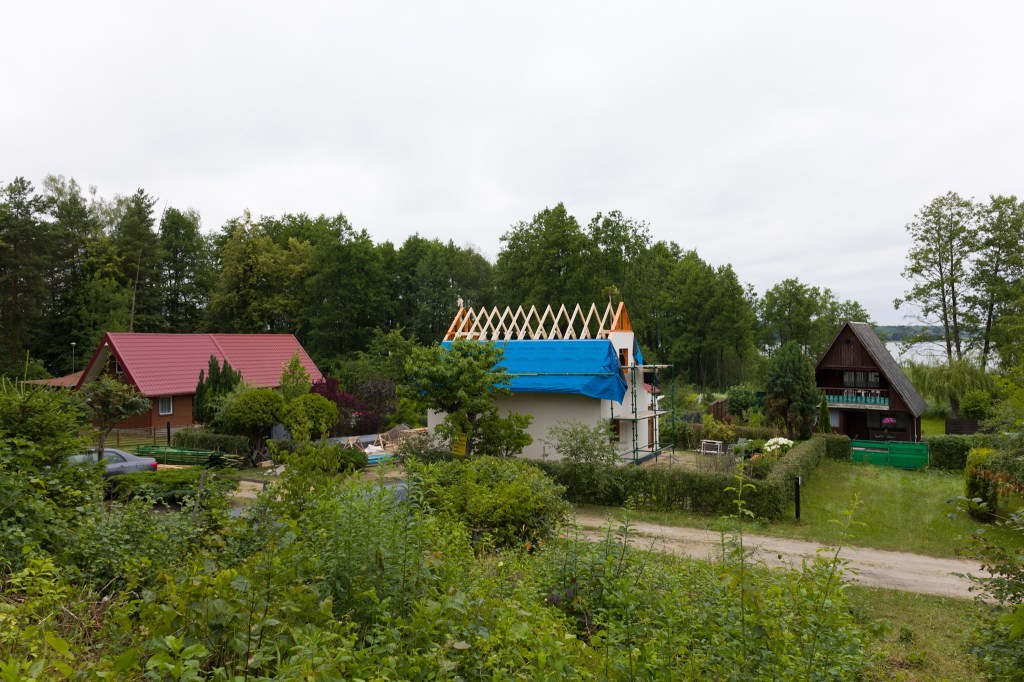
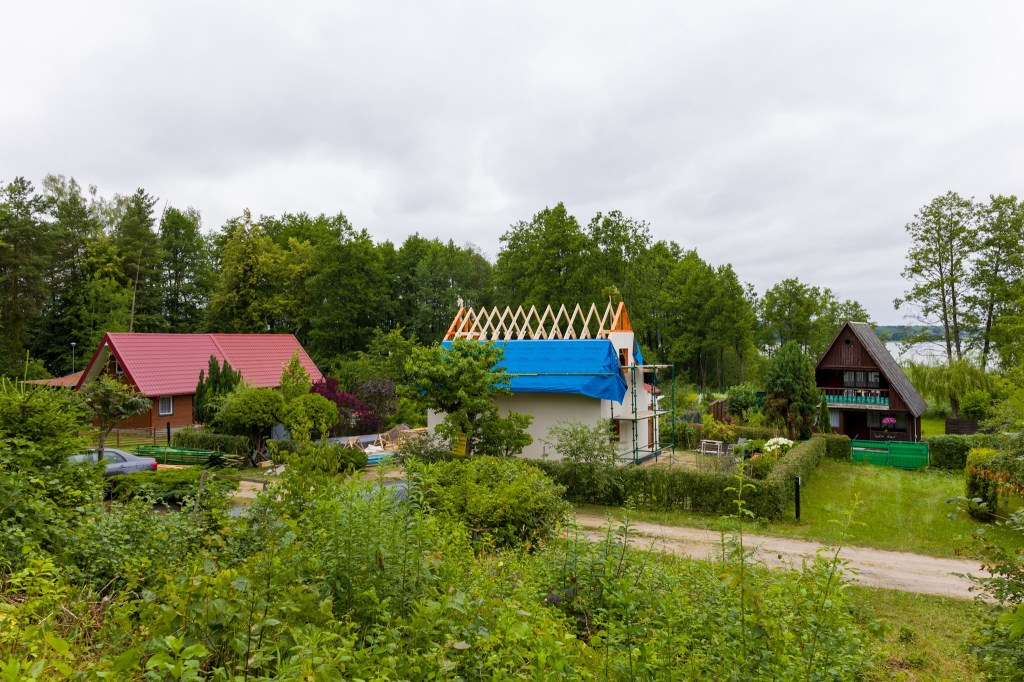
While I often do like the stylistic look of Fujifilm’s in-camera film simulations, in the case of James Popsys, I prefer his RAW edits. Why? Because the film simulations, while nice, are generic and anybody can use them, while Popsys’ RAW edits exude his own unique style and vision.
Would I, or should anybody, just capture JPEGs and forget about RAW editing? Maybe. Sometimes.
To me, shooting JPEG/film means working within a certain limitation. It means giving up certain creative control to help hone my ability to see.
Shooting RAW, on the other hand, gives me the freedom to tweak a photograph’s look after the fact, hopefully to match my initial vision.
We all see the world differently. What draws each of us to a scene varies.
Ideally, as photographic artists, we each will have a clear and unique vision of what the final rendered image should look like. This is when RAW capture is ideal.
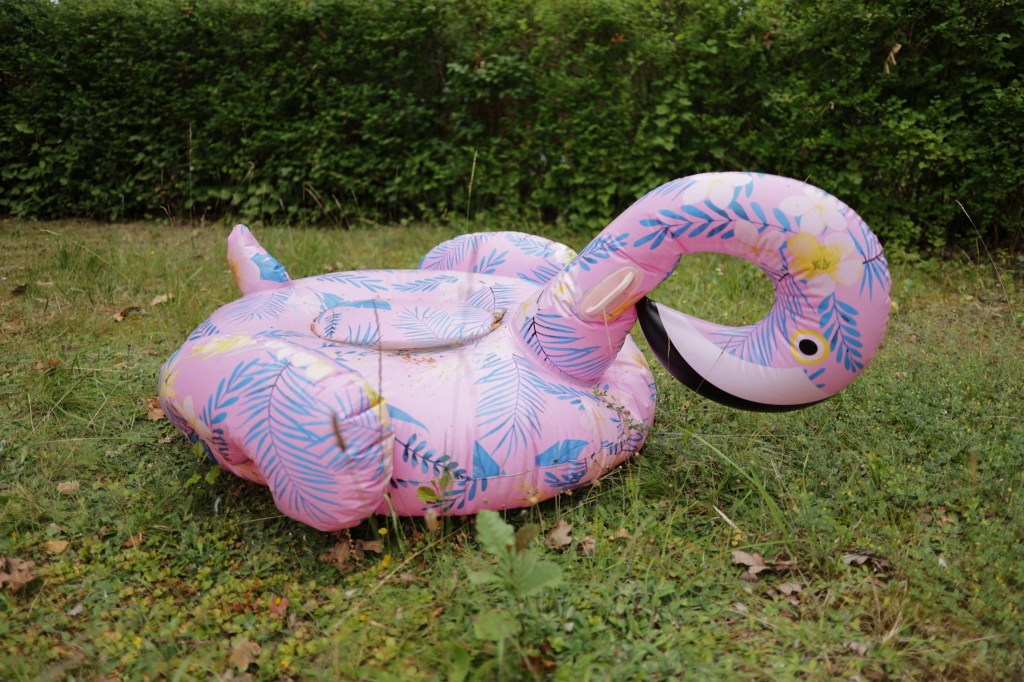


On the other hand, sometimes adding constraints (camera type, focal length, picture style) can force us to learn to see differently. This is a good opportunity to discard our preconceptions and freshly approach the essence of our subject while respecting certain mechanical limitations.

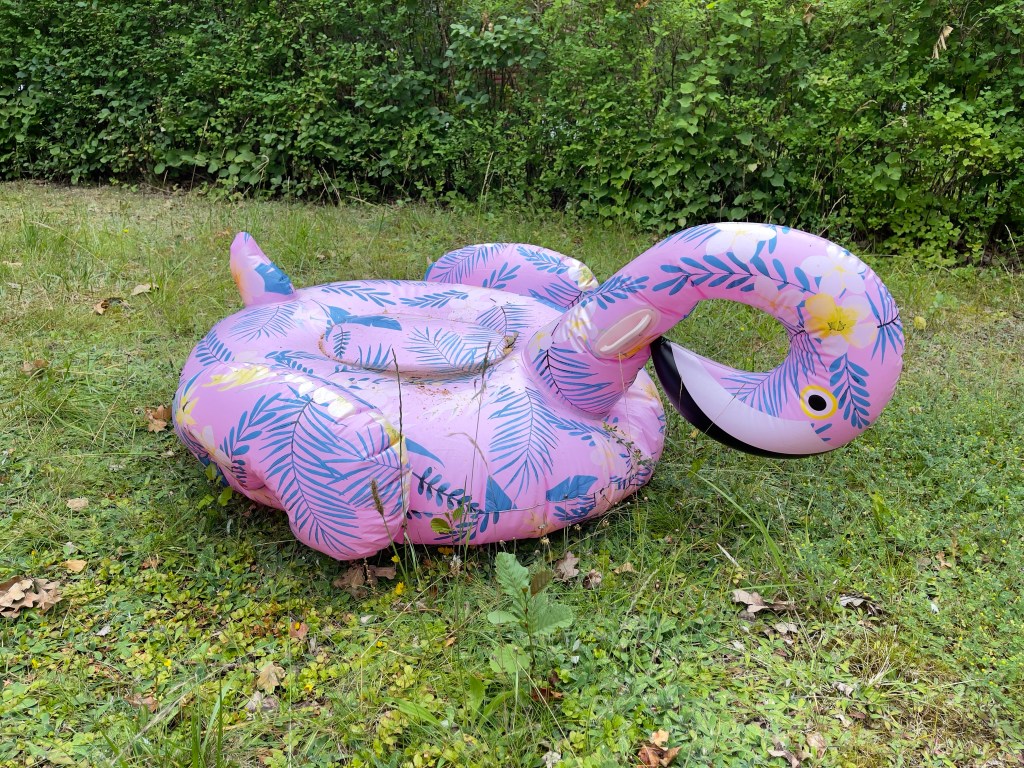
I can only think of two situations where using canned JPEG simulations (or built-in Picture Styles) on a regular basis would be preferable: photojournalism (which aspires to as little “manipulation” as possible), and point-and-shoot photography. I’m not disparaging either.
For me, I use my iPhone for the latter, skipping the cumbersome dedicated camera altogether. And nowadays those iPhone photos are HEIC/HEIF, which are indisputably better than JPEGs (better compression, higher dynamic range, non-destructive edits). It would be nice to see more dedicated cameras using superior HEIC/HEIF as well. My Canon EOS R6 Mark II saves HEIF files, but only in HDR.PQ mode.
If you want to simply mimic the nostalgic, flavour-of-the-day look and dynamic range of “film”, then, for most scenes, JPEG is a fine capture format. Just don’t let your highlights blow out and don’t expect to recover much shadow detail.
If you aren’t going to be editing your photos after the fact, then JPEG can be an acceptable capture format. I’m actually quite impressed with the JPEG engines in contemporary cameras. They do a good job of compressing a lot of dynamic range into a small bit space, and the roll-off of highlights and blacks is quite pleasing. In days gone by, blown highlights were less subtle, probably due to the tendency of the JPEG engines attempting to recover highlight data that just wasn’t there.
On JPEGS As A Delivery Format
A few years ago, I would have said that JPEG as a web delivery-format is not going anywhere. However, with many more display devices capable of rendering HDR images, we need to rethink whether or not an 8-bit per channel delivery format is part of the future. Or, is HDR content, like 3D, simply a gimmick that adds very little to the emotional impact of still or moving images? (High-brightness screens, on the other hand, obviously have value, allowing you to view content in bright outdoor situations.)
On Editing JPEGs
Can you edit JPEGs at all? Sure you can. And sometimes quite aggressively. I was going through some of my archives and found some older photos from a canoe trip, shot on my JPEG-only Canon D10 waterproof point-and-shoot camera. I was able to balance shadowy hills and colourful skies quite easily. Just don’t expect RAW-level flexibility.
With HEIF files on my iPhone I regularly edit exactly like I would RAW files though ProRAW/DNG files allow more edit-ability (if I am shooting in difficult conditions on my iPhone and I know I will edit the file later, I turn on RAW mode temporarily).
WYSIWYG1
I don’t know of a camera brand whose in-camera photo histograms are NOT based on 8-bits per channel.2 So, if like me, you are a habitual histogram user, you are basing your exposure on what is essentially JPEG data, even if your camera viewfinder is capable of displaying an HDR image. The same is true of file preview images shown in camera, unless you capture in an HDR-specific image-format (HDR.PQ for example).


To get the viewfinder/screen image (and saved file preview) to more closely match my style of editing I usually create a custom representative Picture Style on the computer and load this into one of the camera’s User Picture Style slots. Alternatively I tweak a built-in Picture Style (usually Neutral) and save it as a User Picture Style.
In Lightroom I use custom Camera Profiles created using a Colorchecker Passport target under various lighting types (sun/shade, cloudy, tungsten/led, flash, etc.) for each camera I own. This way, no matter which camera I shoot with on a given day, my editing starts from a standard, neutral base.
In post-production, once the custom Camera Profile is applied, I perform my standard workflow, which includes making basic contrast adjustments and maybe applying one or more Custom Presets I have created.





 Springer Photo Graphics