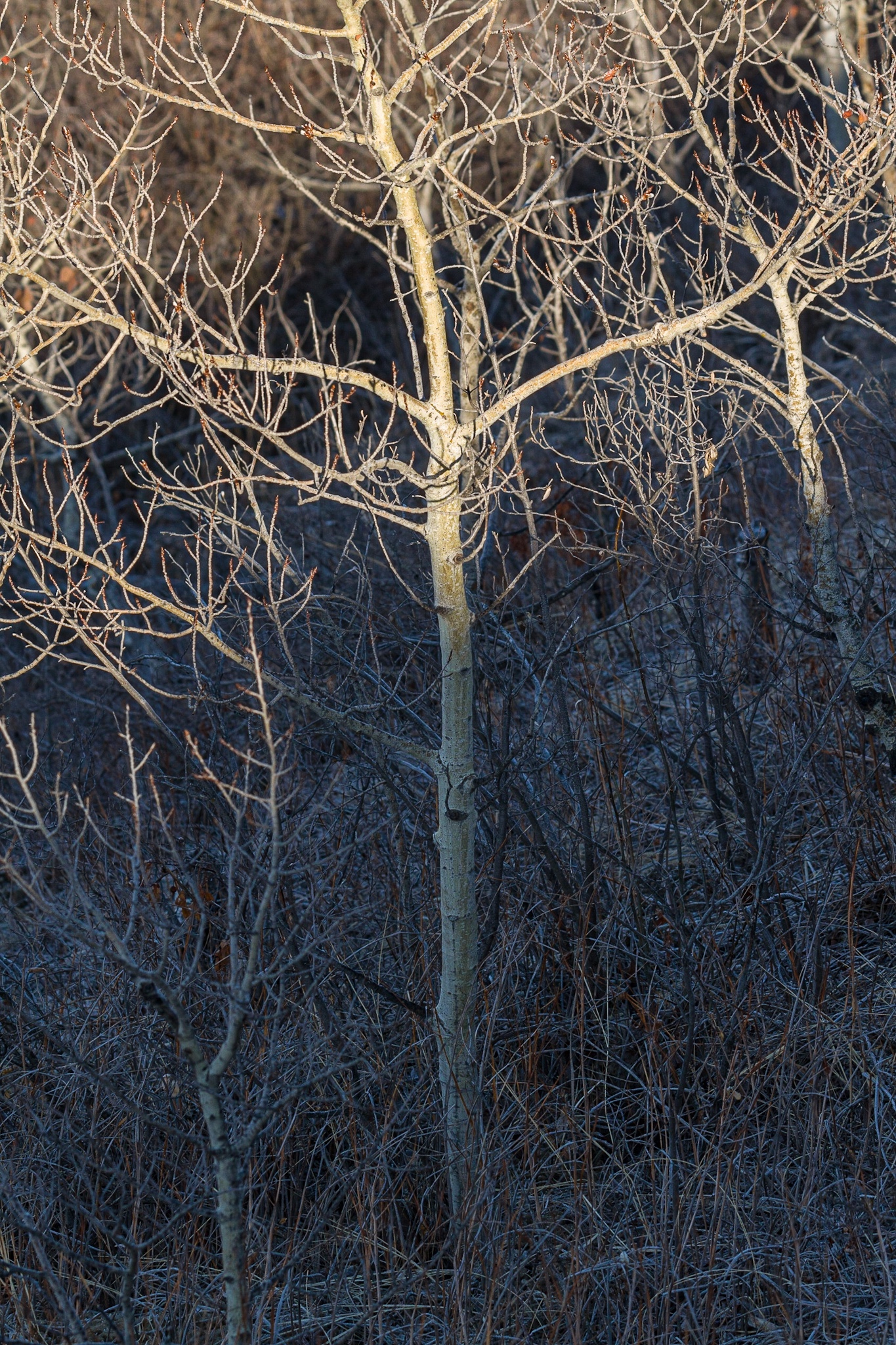
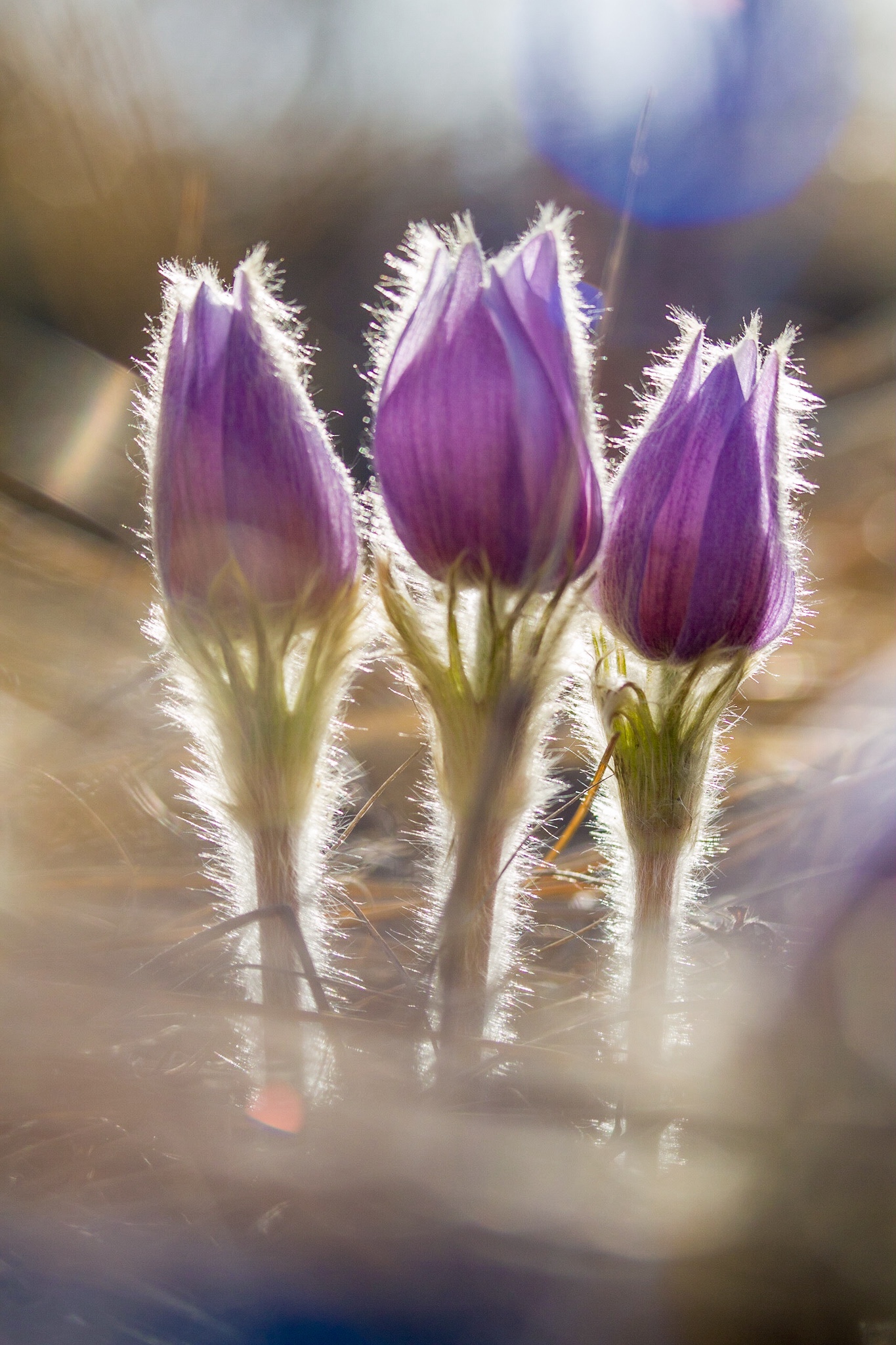
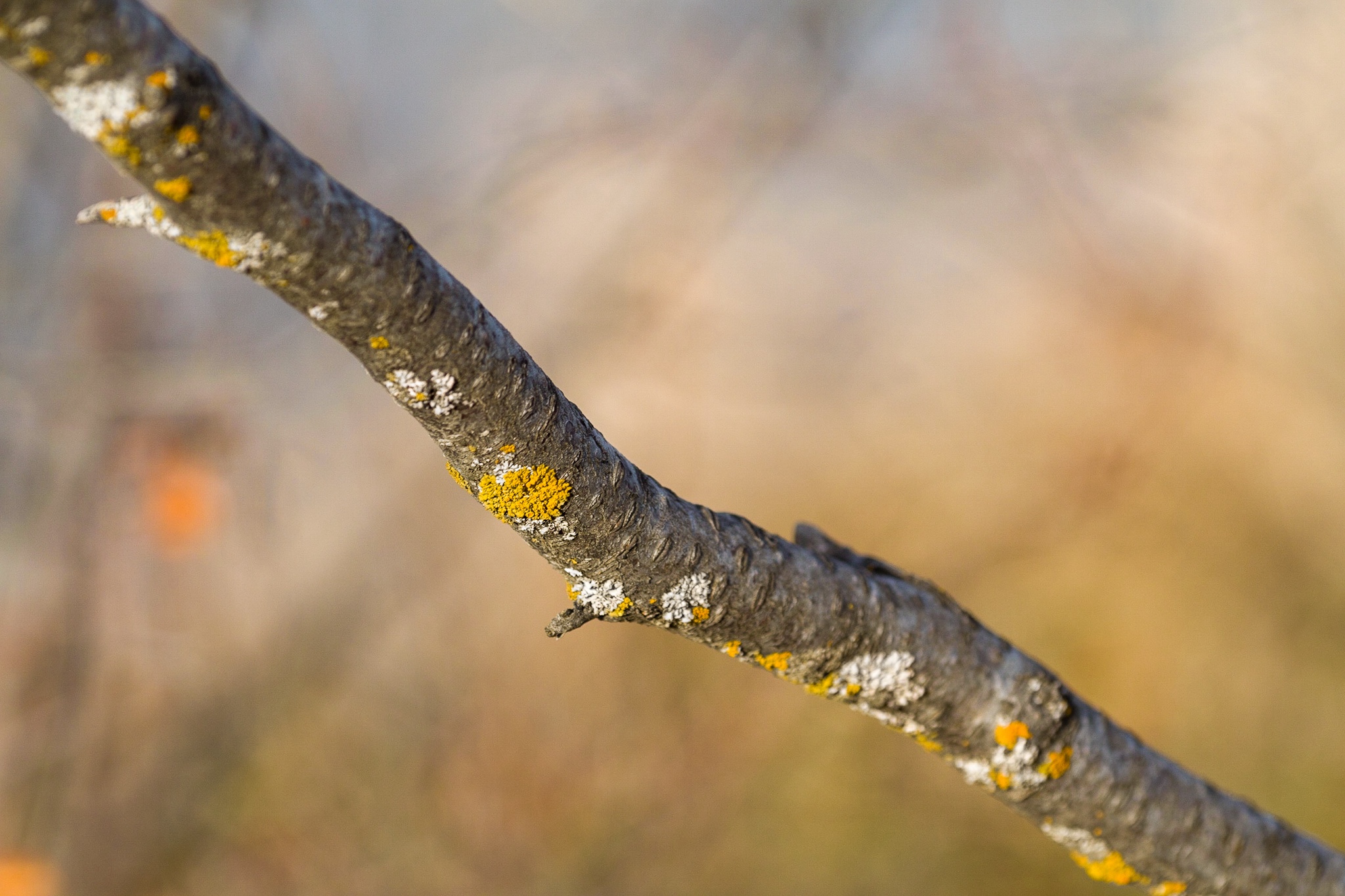
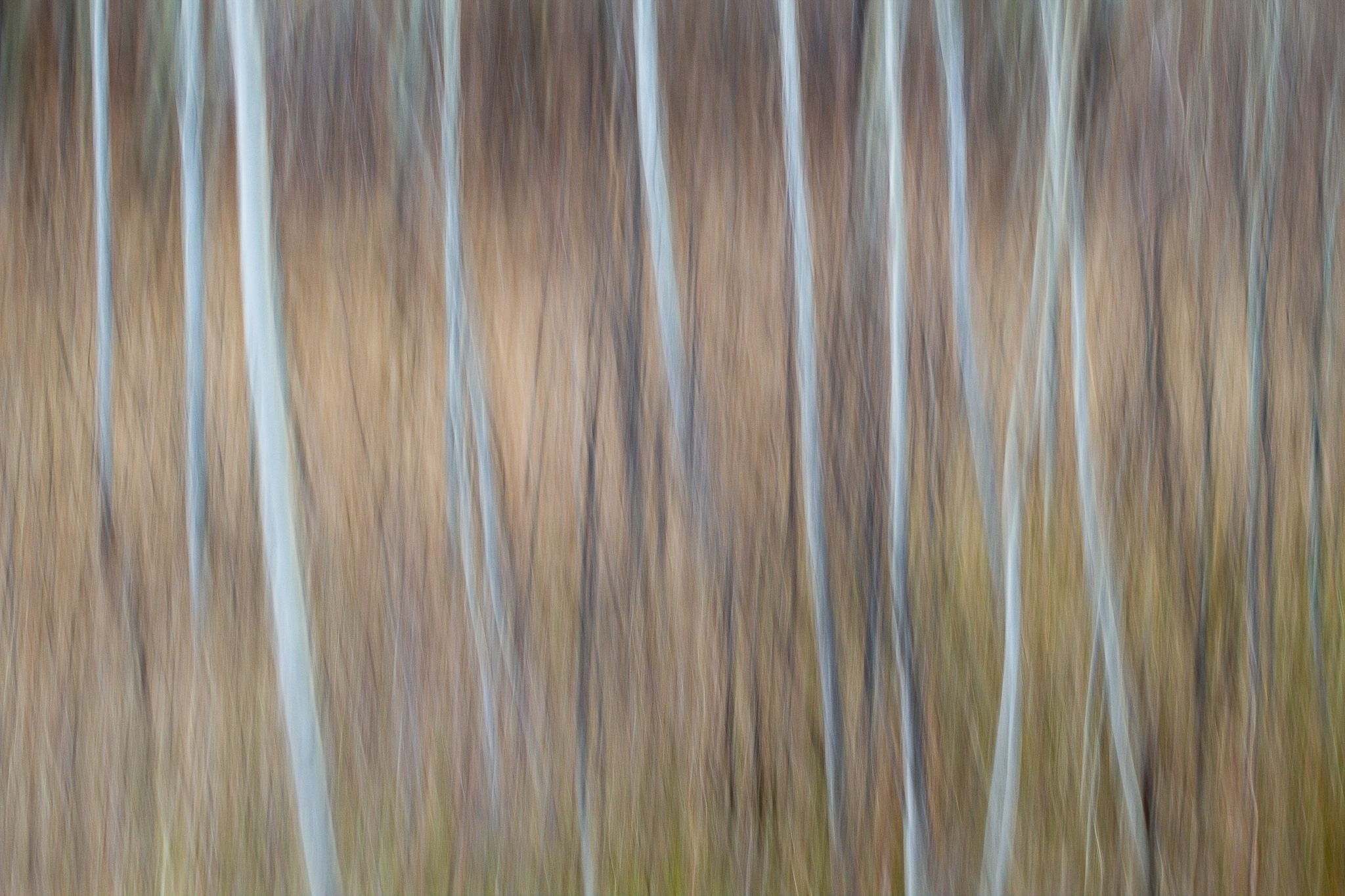
Trying out techniques suggested by YouTube photographer Max Kent for dreamy photos. I’ve used all these techniques before but I felt inspired to do something different this day as my previous photoshoot was very “straight”.
TL;DR Dreamy photos have movement, compressed layers, and/or depth (usually derived via selective focus). That is, not everything in the scene is rendered perfectly sharp and legible—some things are left to the viewer’s imagination. Dreamy photos often reflect the Japanese concept of wabi-sabi—the acceptance of imperfection and transience.
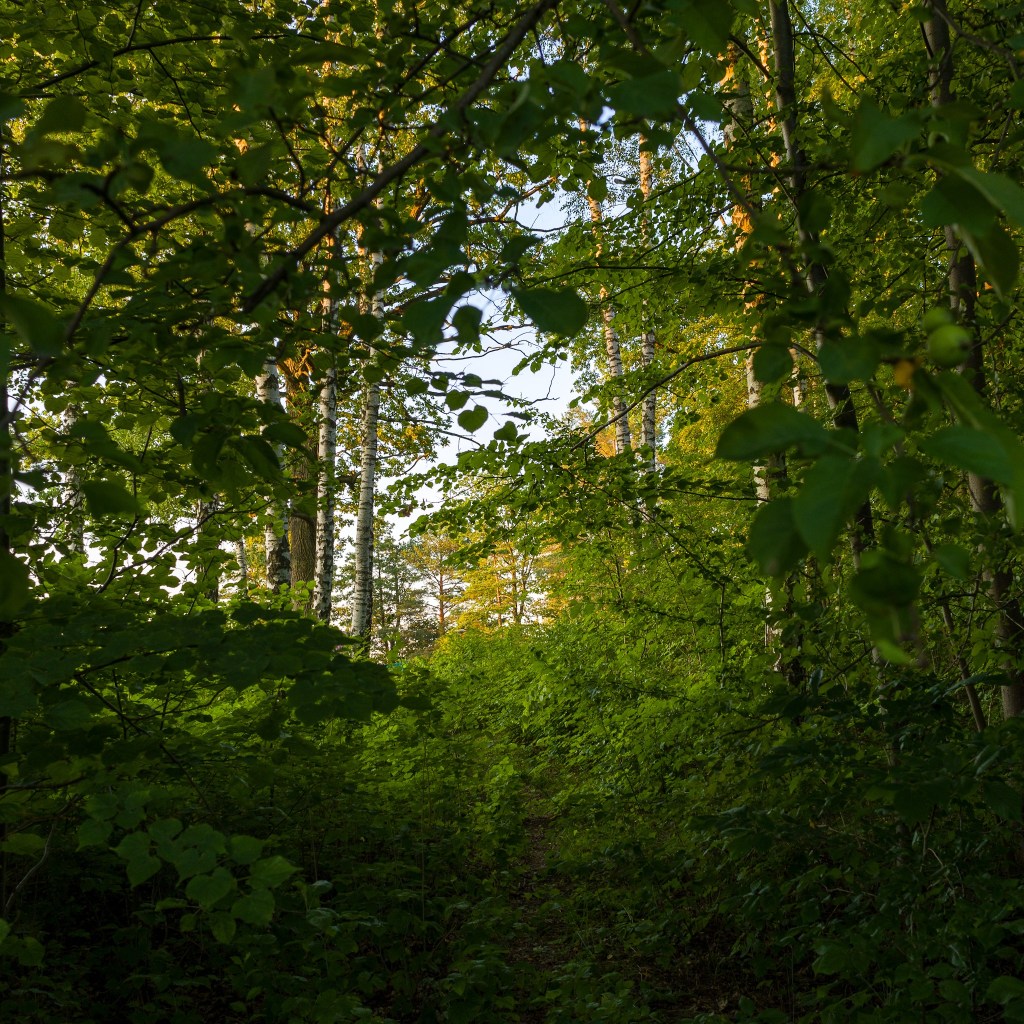
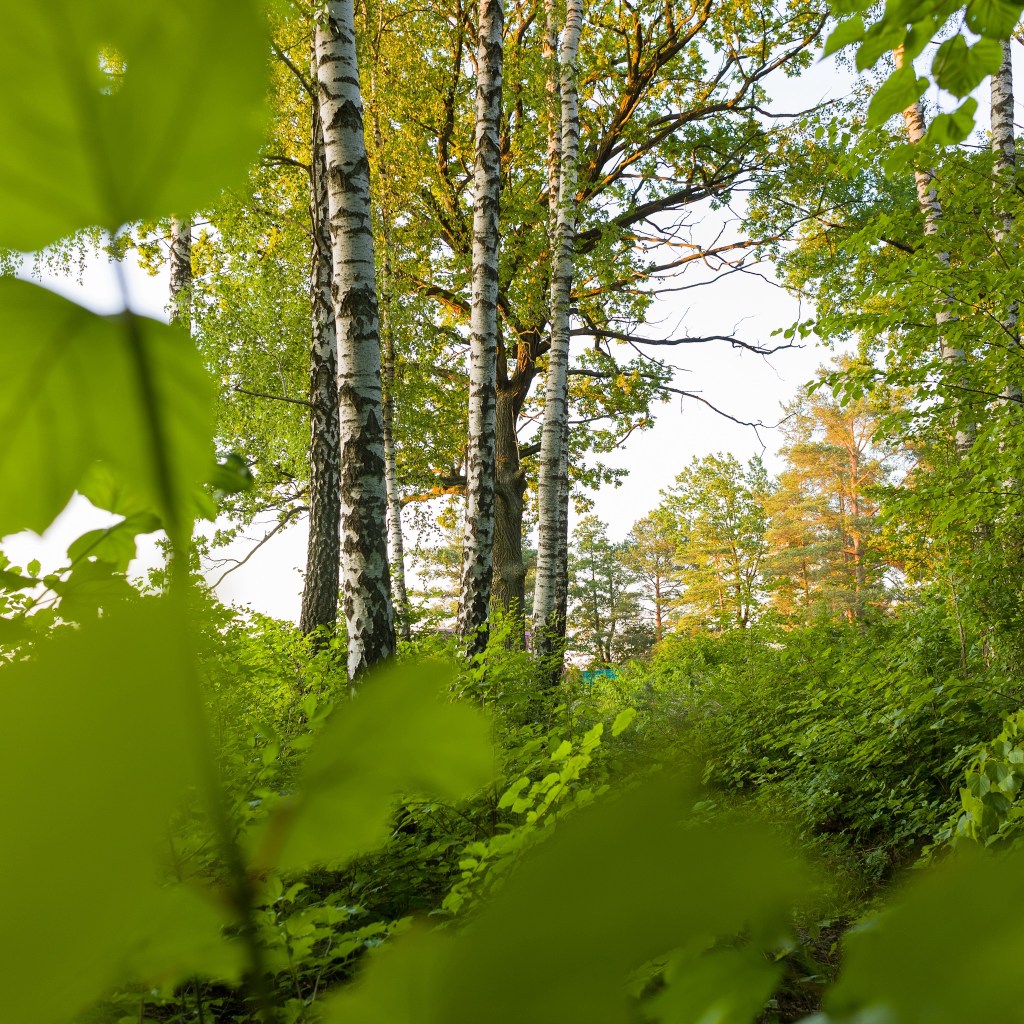
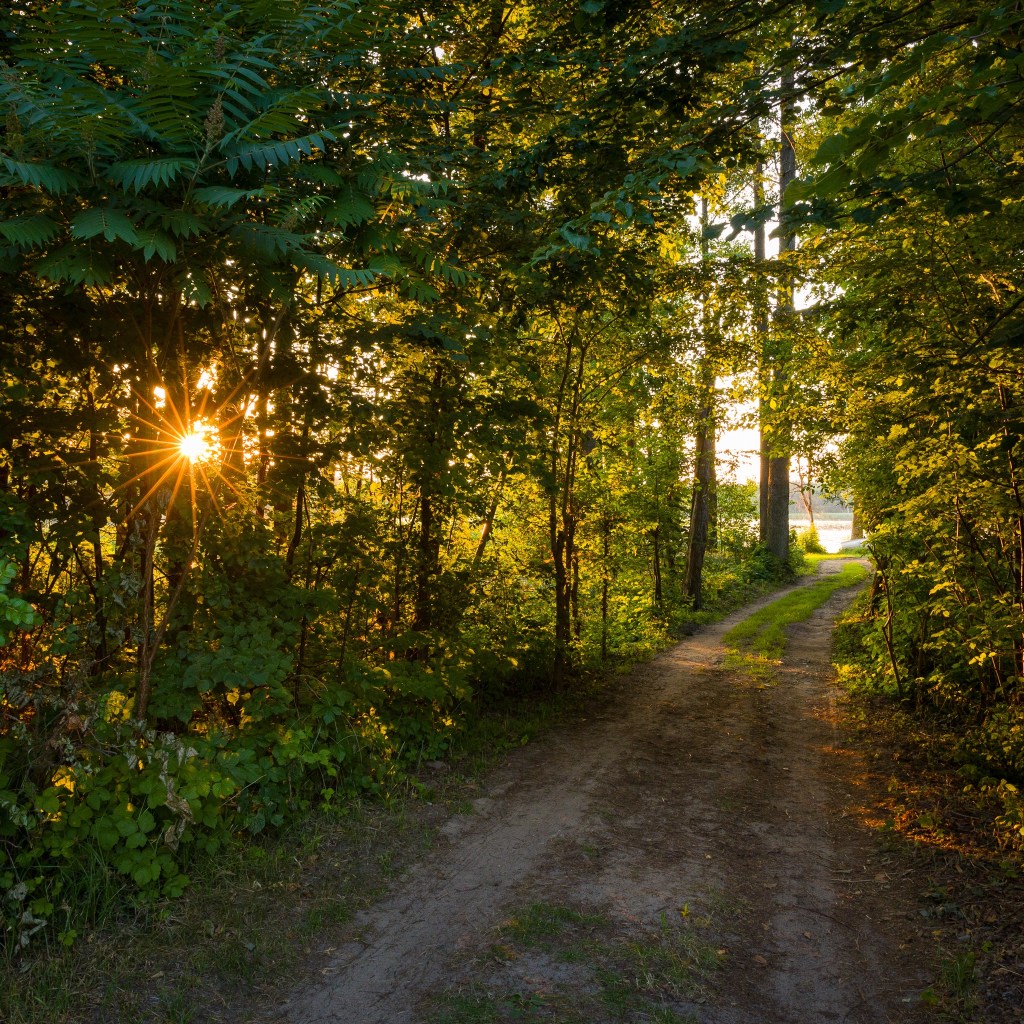
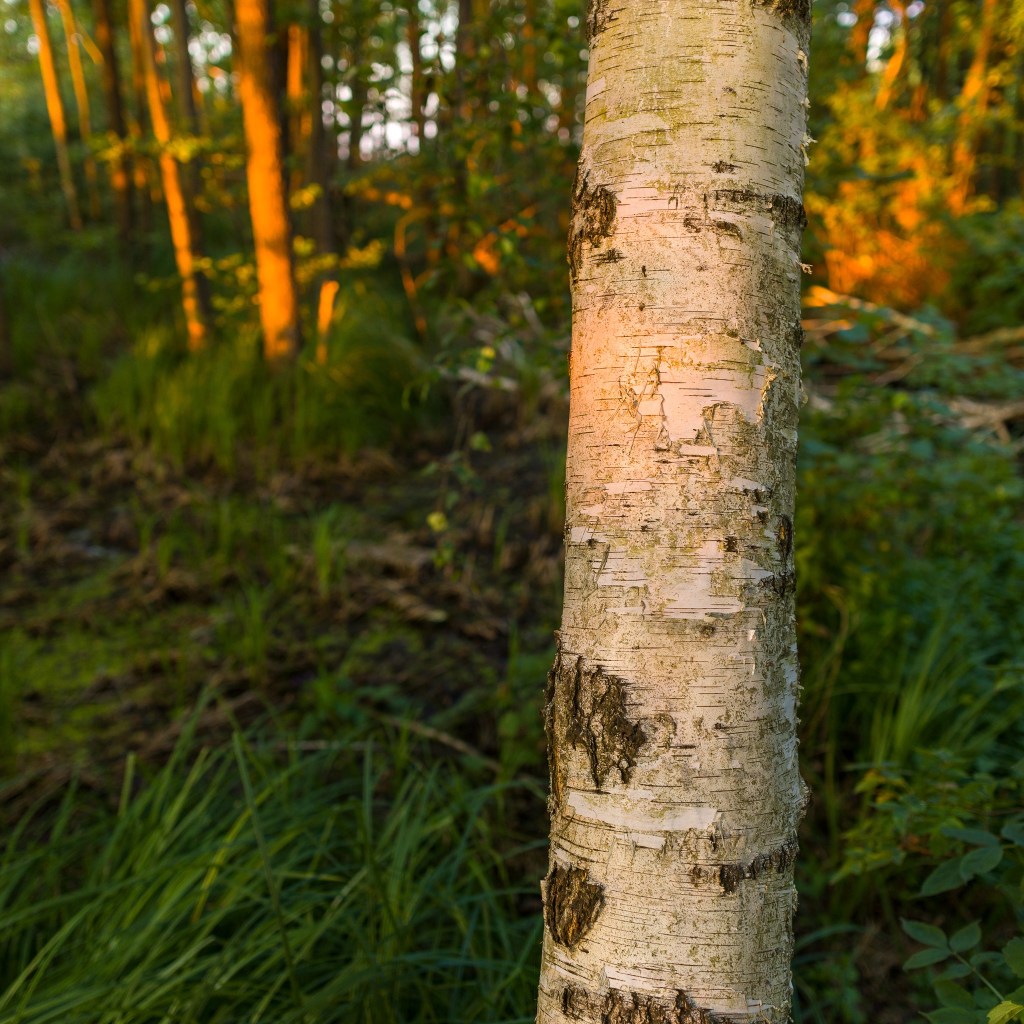
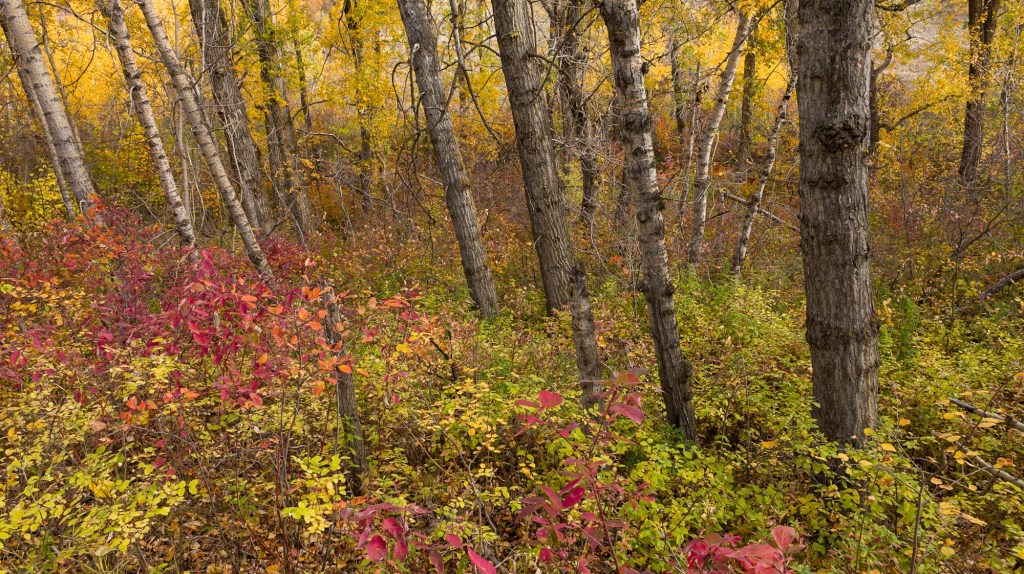
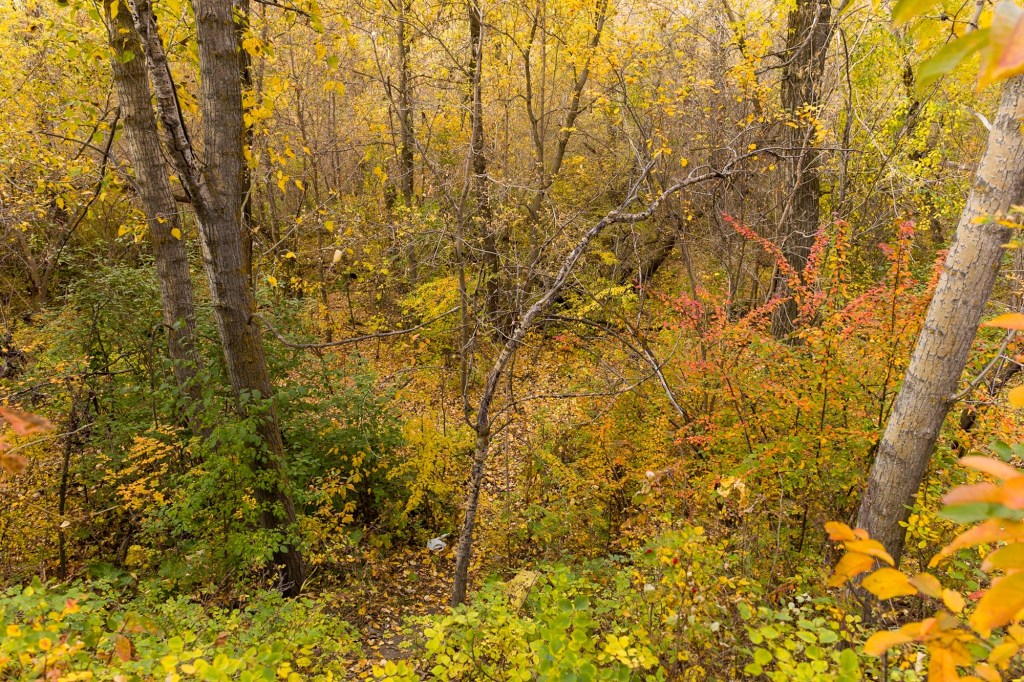
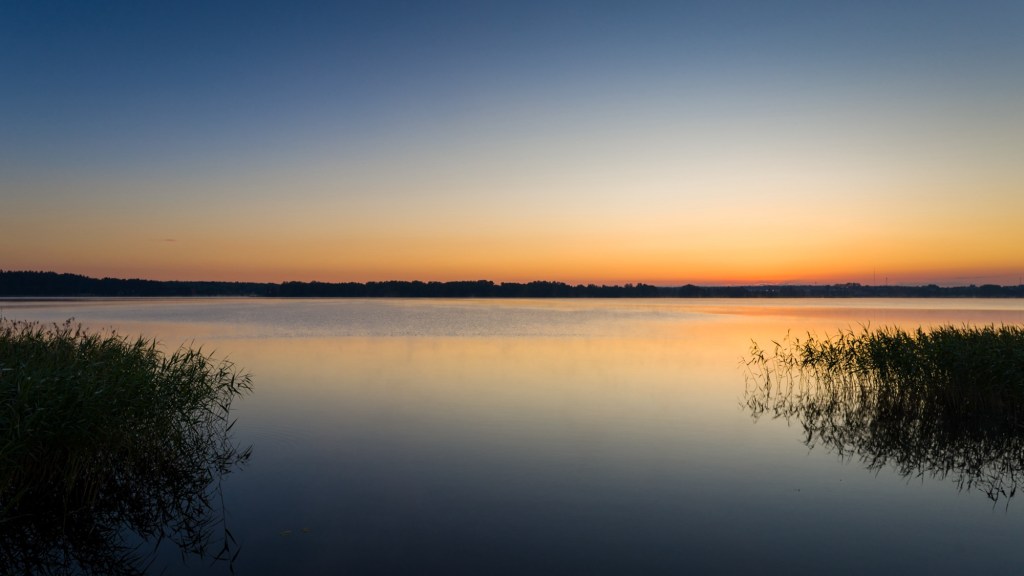
The setting sun in a clear sky was illuminating the trees. Went into the stand of birches and oaks across the road and took a few photos. Then headed down the road to our little beach to photograph near the water.
I used some of Max Kent’s tips for “dreamy photos.” The longest lens I currently have on hand is not very long—24mm—but it has a relatively fast ƒ/1.8 aperture.
To get a tighter image crop and thus a more compressed field-of-view, I shot with a square 1:1 aspect ratio. Of course I shot RAW, so I had the option of shifting the crop slightly in post (which I did for a few photos), but the final images are all square if they were square in-camera.
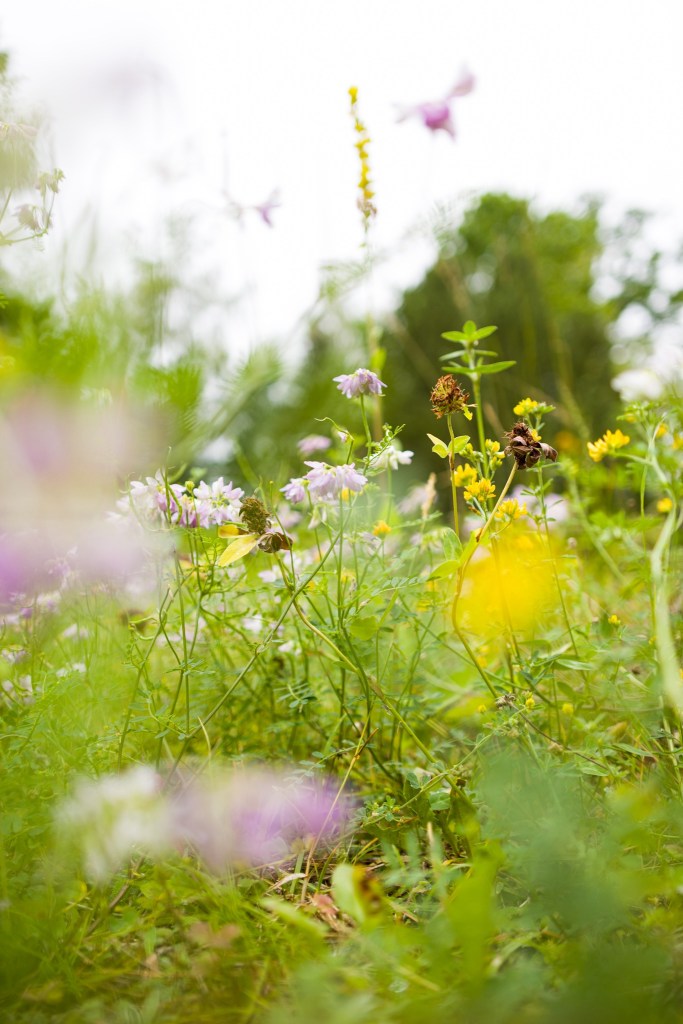
Shooting with the foreground out of focus is fairly easy—just get close and use a moderate to fast aperture (ƒ/2.8 to ƒ5.6). Getting distant backgrounds out of focus when shooting with a wide-angle lens is a little more difficult if the in-focus subject is more than a few metres away. In those case, I needed to shoot with a fast aperture almost wide-open, and perhaps focus slightly closer than the actual subject (the closer the focus plane is, the narrower the depth of focus, regardless of the aperture used).
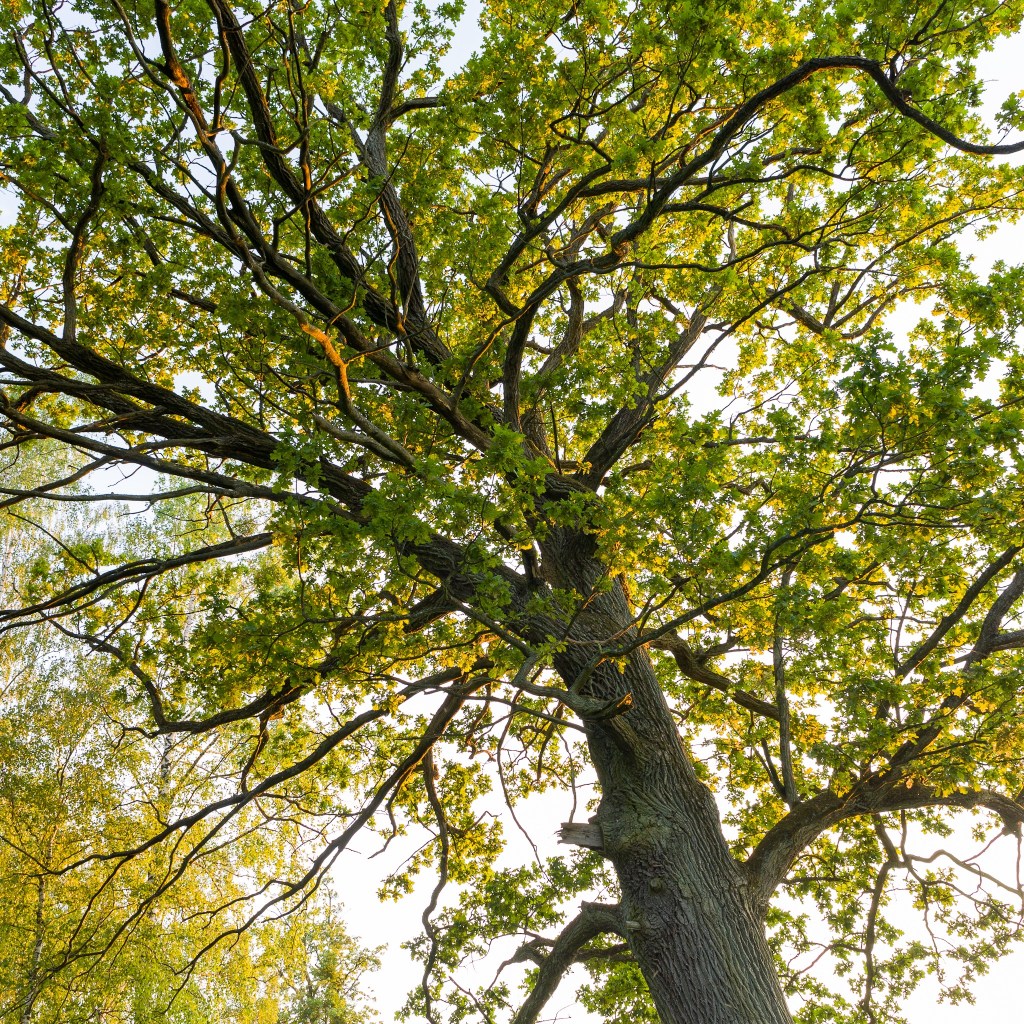
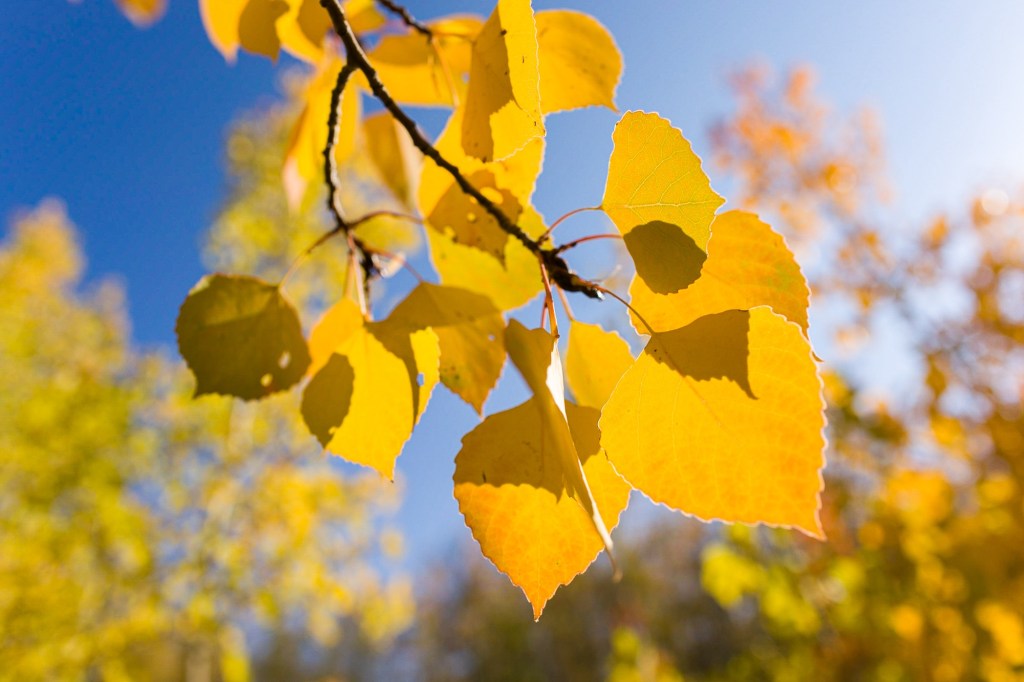
I didn’t use all the techniques in every photograph. The photos shot looking up at the sunlit oaks are very straightforward. But the lines and the shapes and perhaps the shooting angle give the images an ethereal quality.
There is no need to try to recreate a vintage look in photography. If you take the best camera and lens available today and make the most perfect photo you can, in ten or fifteen years that photo will look vintage.
The following was a response to Kim Grant’s video, Ready To Learn Something New, back in March, 2023. I thought I would post it here as well.
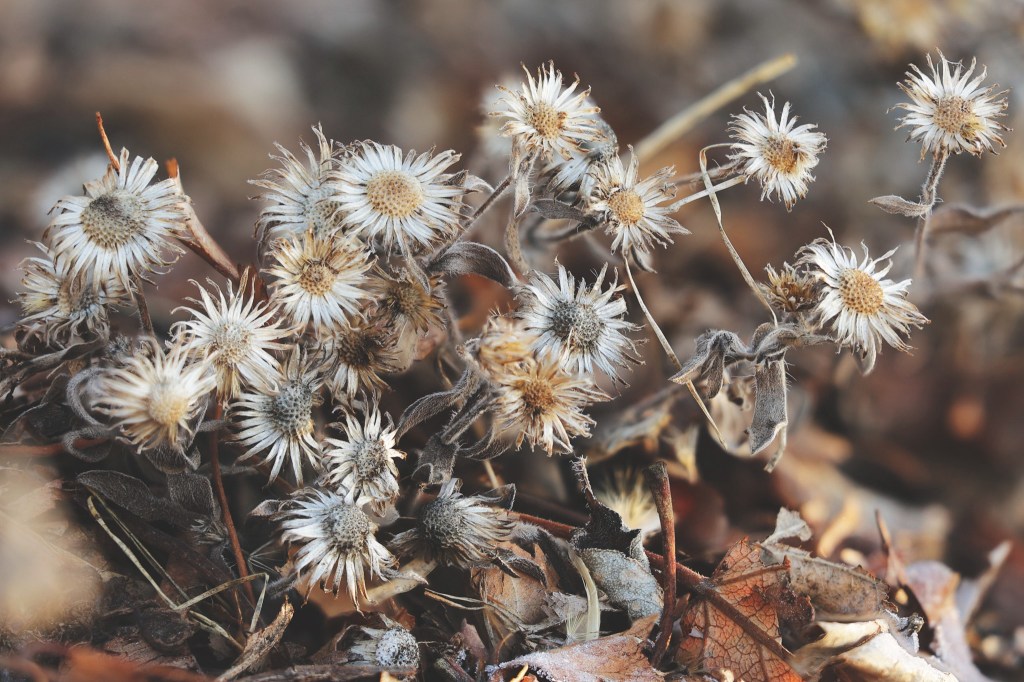
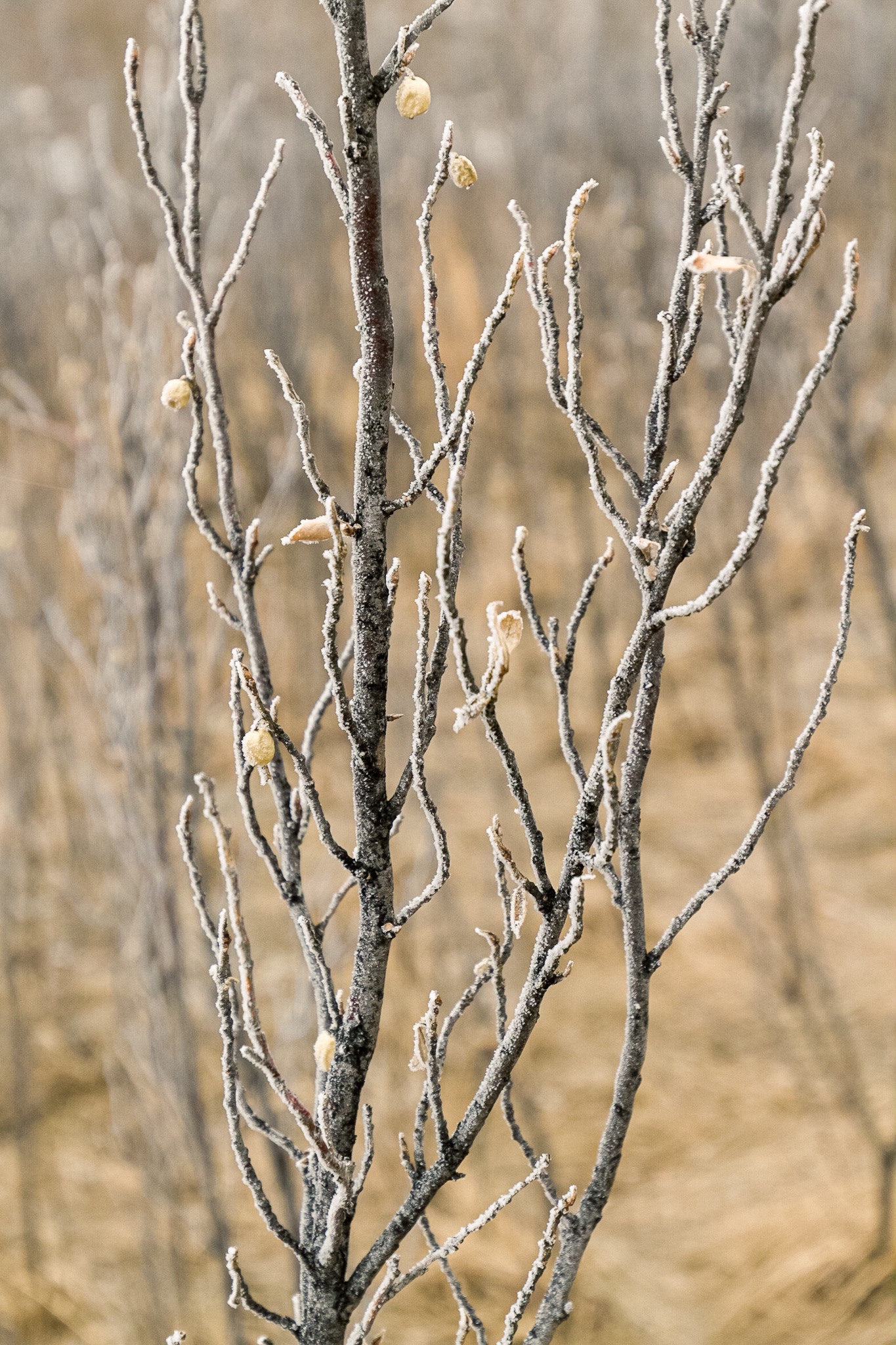
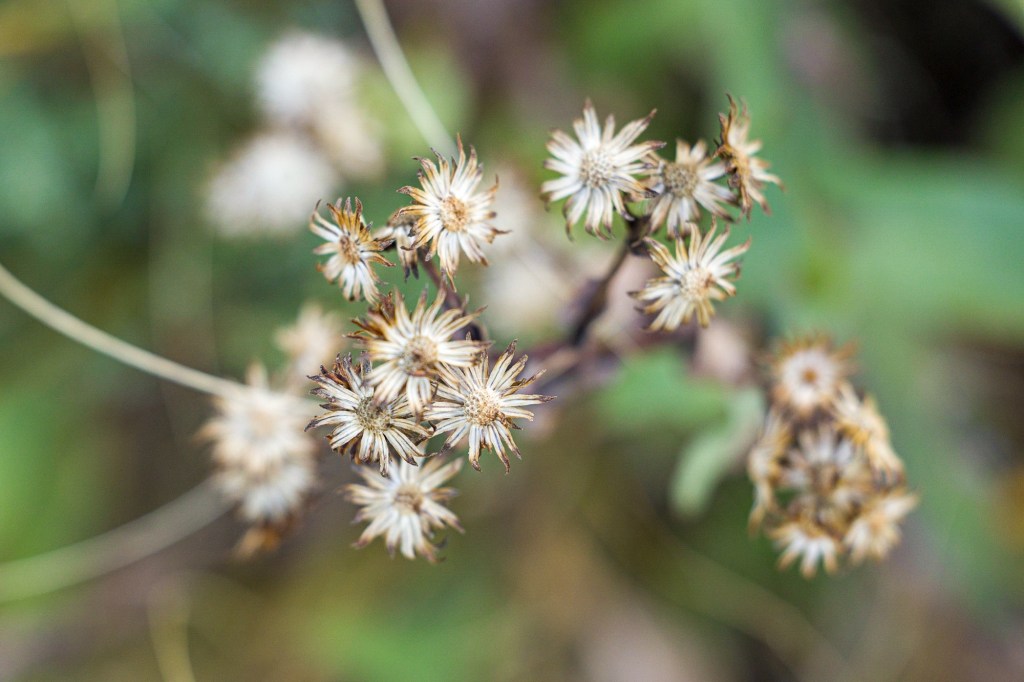
Fortuitous timing for this video. I got a new lens yesterday afternoon (Canon RF 70-200mm ƒ/4) and took it outside to do some test shots at sunset. As I was coming back in the house I saw some nice close-up subjects (dried flowers) in our dormant garden which I wanted to test the lens with, but the light was failing. A short time later I watched your video. This morning I went out early, while the garden was still in the shade (-8°C), and photographed the dried flowers.
I have only had my Canon EOS R6 Mark II a few months, and while I recalled it had auto focus bracketing, I didn’t know it could do in-camera focus stacking! It worked amazingly! It was so nice to see the final results on the screen so I could make adjustments on the fly.
I still have the raw files for more in-depth processing, but the focus stacked JPEGs were good enough for quick sharing. I’ve used focus stacking before, but just learned how to do it in-camera. That’s a feature I will also certainly be using again!
JPEGs from the in-camera focus-stacking function of the Canon R6 Mark II, processed to taste in Adobe Lightroom…
In March of 2023, YouTube photographer James Popsys posed the question, “Are jpegs still terrible?” I think it was a good question and his video is worth watching.
I wrote and posted the majority of the follow as a comment on Mr. Popsys’ video. I recently flushed out a few points and post the result here for your edification.
Notes on the sample photos:
Photos in this article were not shot under the harshest conditions, though it was dull and overcast which often presents a challenge for cameras trying to balance the subject and sky.
I always use Evaluative Metering, though in reality I shoot in full Manual mode 99% of the time and pay more attention to the histogram and (when shooting RAW) follow the precept of expose-to-the-right (ETTR).
I almost always have the camera set to the Neutral Picture Style, or a custom Picture Style. I don’t like the EVF/screen image or file previews to look over-cooked. When shooting RAW, I apply a custom Camera Profile during the Lightroom import so the other in-camera Picture Styles are meaningless to my editing workflow. (When specifically shooting for black-and-white, I use the Monochrome Picture Style.)
For the JPEG captures in this article, I used the Neutral Picture Style, though admittedly, a punchier setting, like Standard or Landscape, would make the colours pop more.
On JPEGS As A Capture Format
I also am habitually a RAW shooter. For a time, on some cameras I shot RAW+JPEG when travelling because my iPhone/iPad OS at the time could only import and edit JPEGs. Now that Adobe Lightroom Mobile and Apple Photos can import and edit RAW files I have gone back to shooting only RAW. My newer cameras also have RAW editing built in so I can create tweaked JPEGs after the fact if I want to.
JPEG – Neutral – Auto Light OptimizerRAW – Custom Camera ProfileRAW – Lightroom AutoCanon R6 Mark II
While I often do like the stylistic look of Fujifilm’s in-camera film simulations, in the case of James Popsys, I prefer his RAW edits. Why? Because the film simulations, while nice, are generic and anybody can use them, while Popsys’ RAW edits exude his own unique style and vision.
Would I, or should anybody, just capture JPEGs and forget about RAW editing? Maybe. Sometimes.
To me, shooting JPEG/film means working within a certain limitation. It means giving up certain creative control to help hone my ability to see.
Shooting RAW, on the other hand, gives me the freedom to tweak a photograph’s look after the fact, hopefully to match my initial vision.
We all see the world differently. What draws each of us to a scene varies.
Ideally, as photographic artists, we each will have a clear and unique vision of what the final rendered image should look like. This is when RAW capture is ideal.
JPEG – Neutral – Auto Light OptimizerRAW – Custom Camera ProfileRAW – Edited To TasteCanon R6 Mark II
On the other hand, sometimes adding constraints (camera type, focal length, picture style) can force us to learn to see differently. This is a good opportunity to discard our preconceptions and freshly approach the essence of our subject while respecting certain mechanical limitations.
HEIC (4.1 MB)RAW (39.9 MB)RAW – HDR (37.6 MB)iPhone 12 Pro Max – Wide Camera – Un-edited
I can only think of two situations where using canned JPEG simulations (or built-in Picture Styles) on a regular basis would be preferable: photojournalism (which aspires to as little “manipulation” as possible), and point-and-shoot photography. I’m not disparaging either.
For me, I use my iPhone for the latter, skipping the cumbersome dedicated camera altogether. And nowadays those iPhone photos are HEIC/HEIF, which are indisputably better than JPEGs (better compression, higher dynamic range, non-destructive edits). It would be nice to see more dedicated cameras using superior HEIC/HEIF as well. My Canon EOS R6 Mark II saves HEIF files, but only in HDR.PQ mode.
If you want to simply mimic the nostalgic, flavour-of-the-day look and dynamic range of “film”, then, for most scenes, JPEG is a fine capture format. Just don’t let your highlights blow out and don’t expect to recover much shadow detail.
If you aren’t going to be editing your photos after the fact, then JPEG can be an acceptable capture format. I’m actually quite impressed with the JPEG engines in contemporary cameras. They do a good job of compressing a lot of dynamic range into a small bit space, and the roll-off of highlights and blacks is quite pleasing. In days gone by, blown highlights were less subtle, probably due to the tendency of the JPEG engines attempting to recover highlight data that just wasn’t there.
On JPEGS As A Delivery Format
A few years ago, I would have said that JPEG as a web delivery-format is not going anywhere. However, with many more display devices capable of rendering HDR images, we need to rethink whether or not an 8-bit per channel delivery format is part of the future. Or, is HDR content, like 3D, simply a gimmick that adds very little to the emotional impact of still or moving images? (High-brightness screens, on the other hand, obviously have value, allowing you to view content in bright outdoor situations.)
On Editing JPEGs
Can you edit JPEGs at all? Sure you can. And sometimes quite aggressively. I was going through some of my archives and found some older photos from a canoe trip, shot on my JPEG-only Canon D10 waterproof point-and-shoot camera. I was able to balance shadowy hills and colourful skies quite easily. Just don’t expect RAW-level flexibility.
With HEIF files on my iPhone I regularly edit exactly like I would RAW files though ProRAW/DNG files allow more edit-ability (if I am shooting in difficult conditions on my iPhone and I know I will edit the file later, I turn on RAW mode temporarily).
I don’t know of a camera brand whose in-camera photo histograms are NOT based on 8-bits per channel.2 So, if like me, you are a habitual histogram user, you are basing your exposure on what is essentially JPEG data, even if your camera viewfinder is capable of displaying an HDR image. The same is true of file preview images shown in camera, unless you capture in an HDR-specific image-format (HDR.PQ for example).
JPEG – Neutral – Auto Light OptimizerRAW – Custom Camera ProfileRAW – Edited To TasteCanon EOS R6 Mark II
To get the viewfinder/screen image (and saved file preview) to more closely match my style of editing I usually create a custom representative Picture Style on the computer and load this into one of the camera’s User Picture Style slots. Alternatively I tweak a built-in Picture Style (usually Neutral) and save it as a User Picture Style.
In Lightroom I use custom Camera Profiles created using a Colorchecker Passport target under various lighting types (sun/shade, cloudy, tungsten/led, flash, etc.) for each camera I own. This way, no matter which camera I shoot with on a given day, my editing starts from a standard, neutral base.
In post-production, once the custom Camera Profile is applied, I perform my standard workflow, which includes making basic contrast adjustments and maybe applying one or more Custom Presets I have created.
Footnotes
Pronounced wizzy-wig. What You See Is What You Get. A good phrase which deserves a renaissance. ↩︎
Video histograms are a different matter when shooting in a LOG format. ↩︎
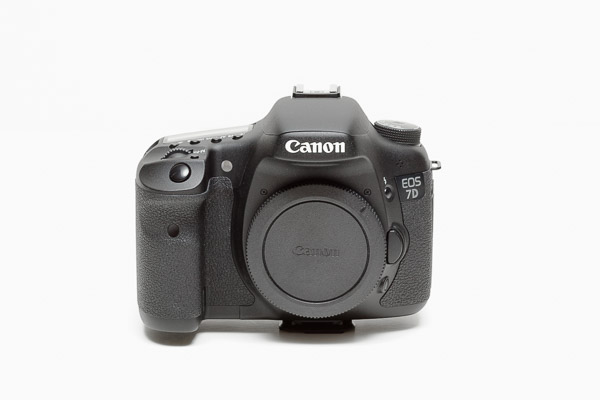
Released in 2009. I inherited this camera from my brother. He was not himself a hard-core photographer though he worked his entire career in the graphic design and stock imagery industry1.
When I received this camera in 2020, I was well beyond DSLRs, having been using Canon M-series cameras for several generations. But I did shoot with the 7D a bit for fun and found it a delight to use (for a DSLR) with very good image quality (held back only by high ISO performance which sensors of the era lacked).
My most advanced DSLR at that time was a Canon EOS 30D which I then only ever used for nostalgia’s sake.
The 7D was a definitely a step up from the 30D in almost every aspect:
18 megapixels vs 8.2 megapixels
8 fps vs 5 fps
Dual DIGIC 4 vs single DIGIC II
19 AF-points vs 9 AF-points
3-inch vs 2.5-inch LCD screen
In a lot of ways, this camera is from the apogee era of the DSLR, right at the beginning of the hybrid stills/video revolution. Even as I write this in 2024, the successor EOS 7D Mark II (2014) would still be a viable camera body for 80% of use cases.
The 7D records Live View HD video at up to 30 fps (the only DSLR I own that can record video). I don’t think I have ever actually used it to shoot video though, so can’t comment on the quality or shooting experience.
In 2020, the demise of the EOS M-series was seemingly assured. I also had a desire for a higher-end hybrid full-frame camera, which I felt would eventually come in the form of an EOS R-series body. My short time with the 7D convinced me that a larger enthusiast-oriented EOS body was what I should be waiting for. When the EOS R6 Mark II was eventually released I didn’t hesitate to make that my upgrade.
My brother, three years my senior, started working at Image Club Graphics while still in high school, continued there when they were sold to Aldus and merged with Adobe; helped start EyeWire which was bought by Getty Images; and co-founded Veer which was purchased by Corbis. I meanwhile, went to art school, worked in the graphic arts industry, did some commercial photography, and eventually became the first full-time employee of Veer-competitor iStockPhoto. I remained with iStockPhoto when they were purchased by Getty Images, rising eventually to CTO and then retiring as VP of RD. Needless to say, though my brother and I shared a lot of interests, while working most of our careers as competitors we didn’t talk a lot about work. ↩︎
Compact super-telephoto zoom released in 2020 and purchased in the spring of 2024. Bought in combination with the Extender RF1.4x. With the extender mounted, the lens can only be set to between the 300 and 500mm positions, yielding a constrained 420 to 700mm.
When I purchased my first R-series camera (EOS R6 Mark II), the RF 100-500mm ƒ/4.5-7.1 was high on my list of future purchases. It was also more expensive than any other single piece of camera equipment that I owned.
However, I was not in a rush to get this lens as I already had the Tamron SP 150-600mm ƒ/5-6.3 Di VC USD G2 lens covering the super-telephoto range. While longer and slightly faster, the Tamron 150-600mm is also 46% heavier (26% with the Extender RF1.4x) than the RF 100-500mm. As my interest in bird photography increased, so to did my interest in the this lens. A healthy rebate of CA$350 made the purchase more palatable.
(The Canon RF 200-800mm ƒ/6.3-9 IS USM lens was announced, but generally unavailable, when I was ready to purchase the RF 100-500mm. The 200-800mm is a lot less expensive, but is also not in the same image-quality class as the 100-500mm. I stayed the course with the 100-500mm and do not regret that decision.)
Reviews and my initial testing showed that the RF 100-500mm is much sharper at wide open aperatures than the almost 50% cheaper Tamron 150-600mm, even with the RF1.4x in place.
In low light conditions I do have to use quite high ISO settings, but this is still manageable and I am able to shoot handheld 99% of the time. The low-light alternative would be the RF 600mm ƒ/4 L IS USM at 5x the price. I’ll keep the portability and versatility of the RF 100-500mm, thank you very much.
At the extended 700mm, this lens is usually fine for small bird photography, even at 24 megapixels. I do find myself cropping down about 30% much of the time, but still end up with detailed 16 megapixel images.
I would like to try this lens on a higher megapixel APS-C body (the EOS R7 at 32 megapixels is interesting, but not without a vertical grip). On 32 megapixel APS-C, without the RF1.4x, and with post-processing cropping to 24 megapixels, the lens would yield an effective focal length of 1100mm, if my math is correct.
I am able to carry this lens for much longer periods of time compared to the Tamron 150-600mm. It is also more compact in my bag.
With the RF1.4x still attached I can store the partially extended lens, with R6 Mark II mounted, in my ThinkTank MindShift BackLight 26L backpack (I do have to remove the BG-R10 vertical grip, but that is the case with any mounted lens in this backpack).
Without the extender, I can fit the RF 100-500mm (hood reversed) mounted on my R6 Mark II (with vertical grip) in my Timbuk2 large messenger bag with another compact zoom (RF 24-105mm or RF 70-200mm) and room to spare.
My main complaint about this lens is the same complaint I have with all Canon telephotos: the lack of built-in Arca-Swiss compatibility of the tripod foot. Why!? The Arca-Swiss foot on the Tamron 150-600mm is a thing of beauty. I pay twice as much for the Canon RF 100-500mm and have to attach a clunky third-party Arca-Swiss plate!
My other complaint is about the extenders (1.4x or 2x) only working from 300 to 500mm, though I understand and forgive the restriction if it was the only way to make such a compact lens with consistent image quality across the zoom range. In practice, with an extender installed, the storage issue is more of an annoyance than the lack of zoom range.
After the first few months of using the RF 100-500mm, 70% of the photos have been taken with the Extender RF1.4x attached. This may reflect the fact that I tend to do a lot of bird photography in the spring. At other times of the year, when taking more landscape or general photographs, I imagine the proportion of shots taken with the extender will be reduced.
Quite surprisingly, the RF 100-500mm makes a good close-up/macro lens!
Samples
Canon RF 100-500mm ƒ/4.5-7.1 L IS USM w/o Extender RF1.4x
Released in 2021, I bought the Canon RF 70-200mm ƒ/4 L IS USM in March 2023. My first white Canon lens, though it hardly counts as a “Big White.”
My first L-series telephoto-zoom was the original Canon EF 80-200mm ƒ/2.8 L “Magic Drainpipe.” I love the image quality of that lens and never had an impetus to replace it with more modern EF 70-200mm variants.
I love the compactness of the RF 70-200mm ƒ/4. It is barely larger than the RF 24-105mm ƒ/4 IS USM, and together they make a nice combination.
I just recently added the Canon RF 100-500 ƒ/4.5-7.1 L IS USM, and, as other photographers have noted, I am a little worried that the RF 70-200mm ƒ/4 will see little use from now on. Time will tell. The RF 100-500mm is eminently hand-holdable, but in my mind the RF 70-200mm ƒ/4 remains a better walk-around landscape lens.
For one thing, the RF 70-200mm ƒ/4 has a ⅓ to ⅔ stop aperture advantage compared to the same focal lengths of the RF 100-500mm. This makes for slightly better low light performance and or more dramatic shallow focus. I think this advantage is apparent in the samples below.
I also feel that the RF 70-200mm ƒ/4 maintains some of the visual appeal (colour rendition, brokeh) of the old “Magic Drainpipe.” The RF 100-500m is a great lens and sharp across its focal range, but its bokeh is a bit messier and it’s rendition a bit flatter (both subjective traits, I know).
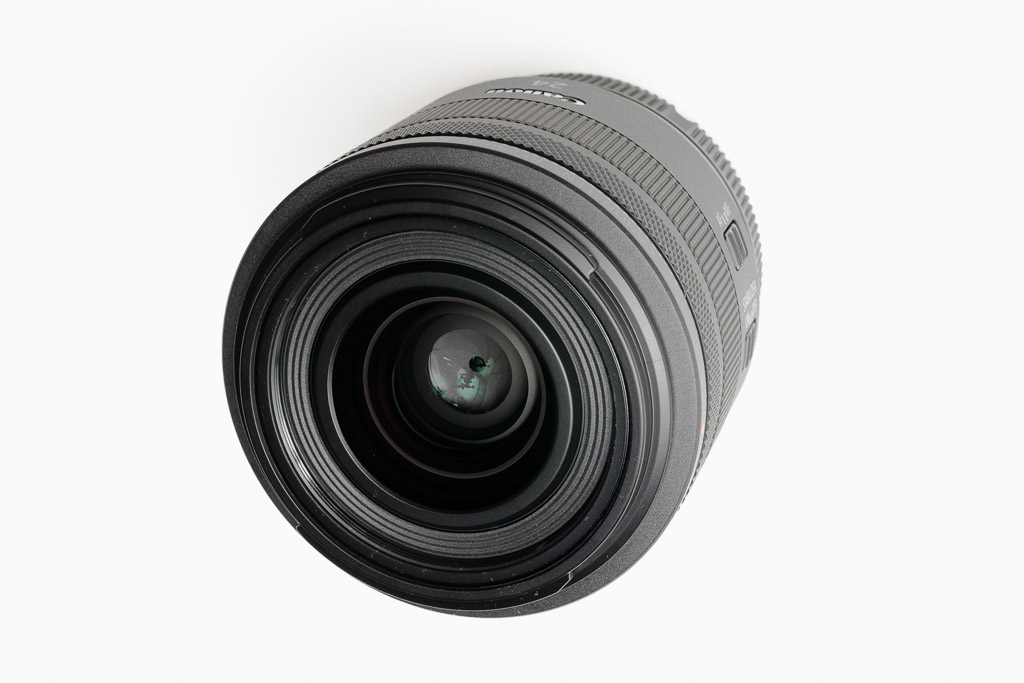
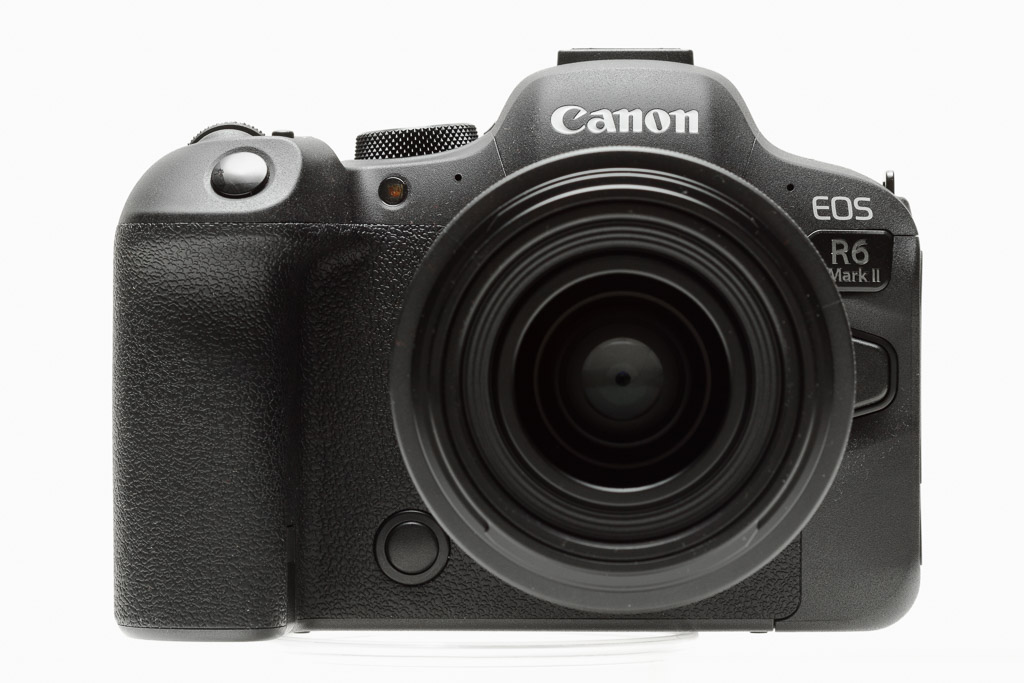
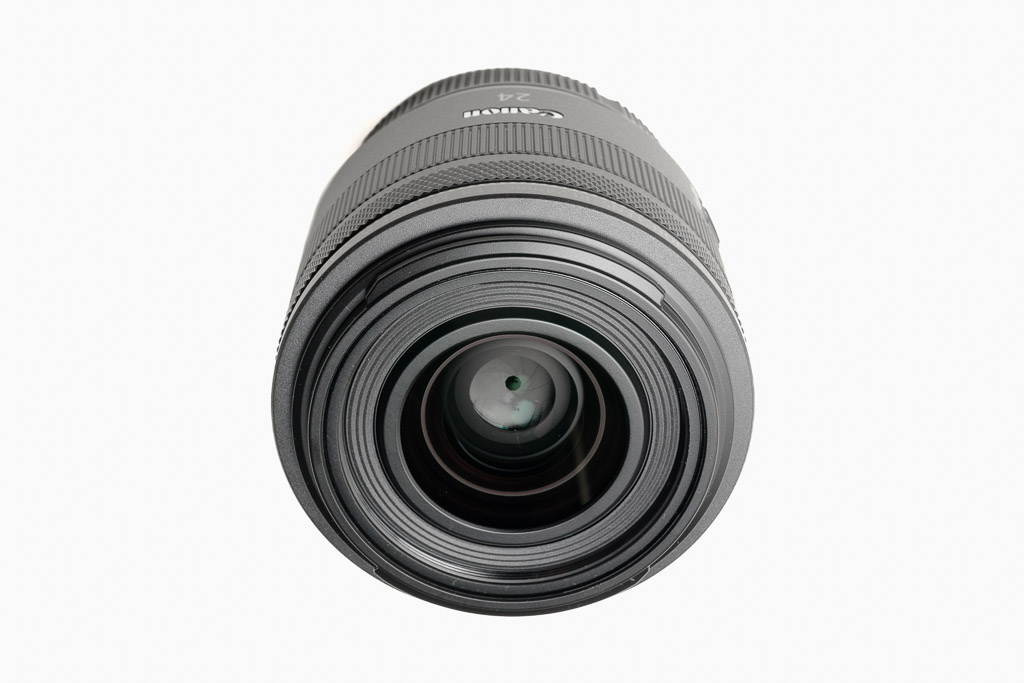
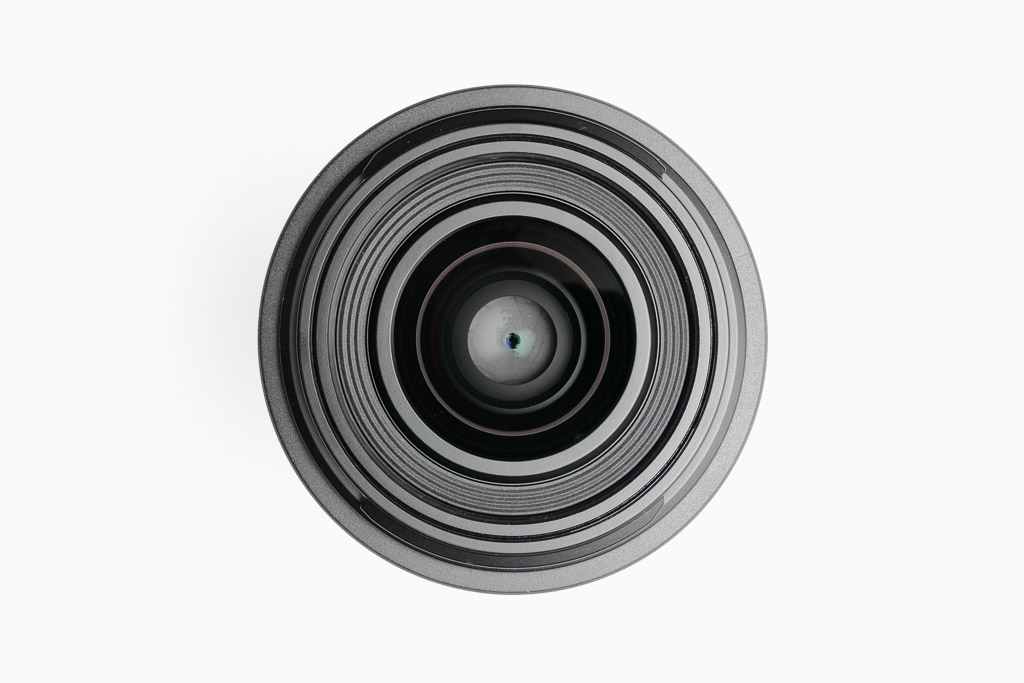
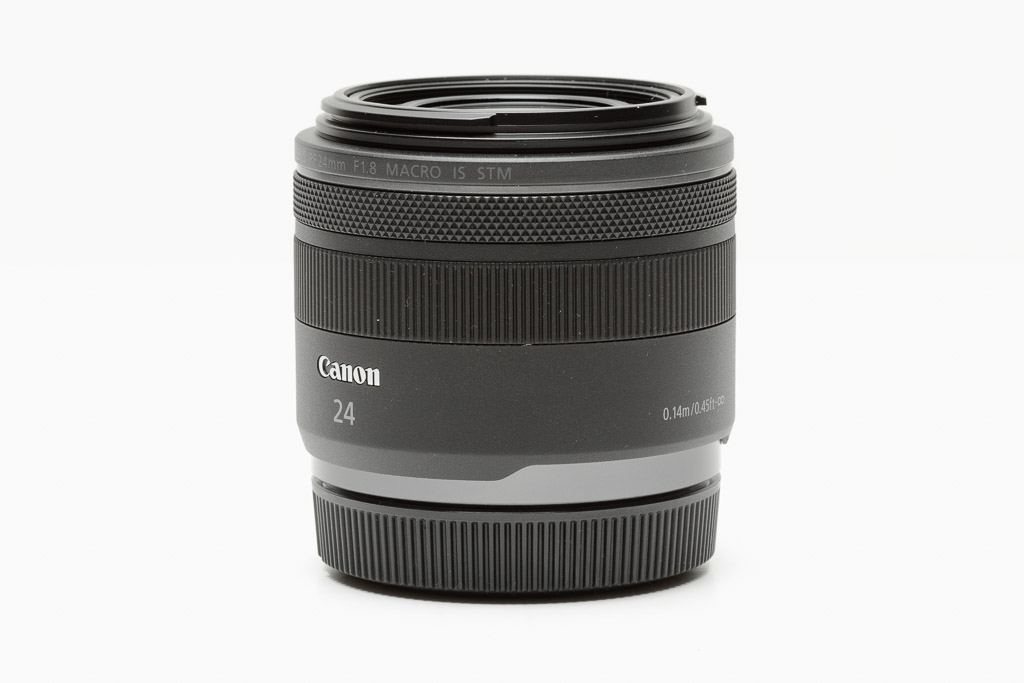
Introduced in August 2022, the Canon RF 24mm ƒ/1.8 Macro IS STM rounds out Canon’s non-L, moderately fast, STM, macro, prime line-up. It joins the 35mm and 85mm primes, sharing the same design language and common features of those focal lengths: dedicated IS and focus-mode switches, and separate focus and control rings.
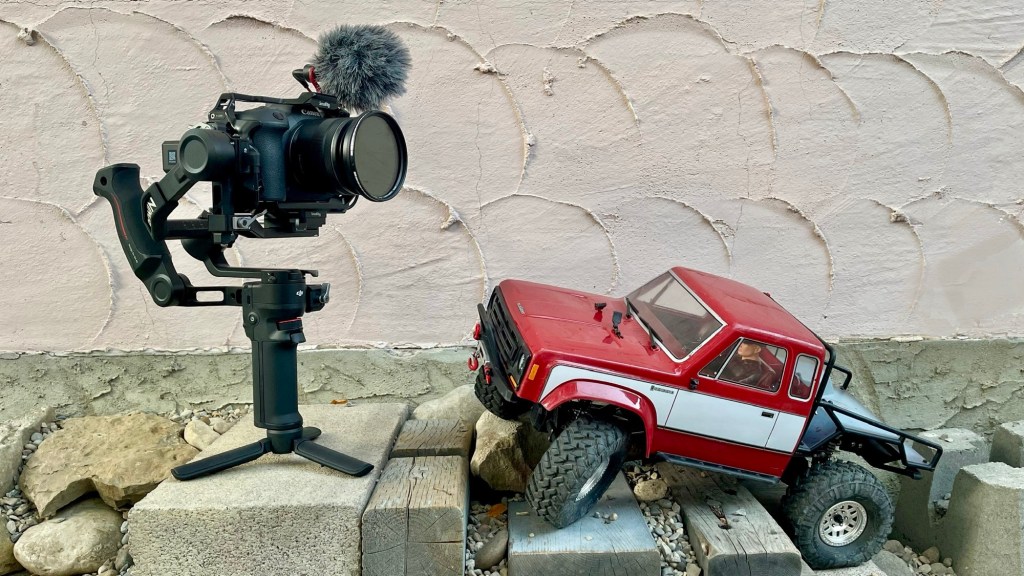
I bought this lens to use while making my RC truck videos which involve shooting at low angle and close-up much of the time. My first RF lens was the RF 24-105mm ƒ/4 L IS USM, which is a great all-around standard-zoom, but not very fast and rather large (the RF 24mm video setup is 480 grams lighter). I bought the RF 24mm in February 2023, a month after getting my EOS R6 Mark II.
The 24mm focal length works well for the majority of my RC truck shots—not action cam wide and not restrictedly telephoto. It is also just barely fast enough to shoot 30fps video at dusk (ISO 800, 1/60 of a second), something I often do. Wide open, the close-up depth of focus is razor thin, and, unfortunately, sometimes wrong (I am almost always using AF, except when I lock focus altogether). At brighter times of the day I use a variable ND filter to allow me to shoot at wider apertures with moderately-low depth of focus.
For six months I used this lens either on a tripod or handheld slung from the top-handle of my SmallRig video cage. Handheld worked, but I had to be careful. Admittedly, an APS-C or Super 35 sensor would be more forgiving in this regard.
In the fall of 2023, I bought a DJI RS 3 Mini gimbal, which greatly improved the versatility of the EOS R6 Mark II/RF 24mm combination. Handheld shots became a breeze and I could shoot more video faster with longer continuous shots.
Balancing the RS 3 Mini with the EOS R6 Mark II/RF 24mm combination is problematic. It became easier when I replace the DJI stock camera plate with the SmallRig Arca-Swiss Mount Plate (#4195) and stock vertical arm with SmallRig Extended Vertical Arm (#4196), both of which lowered the centre of gravity of the camera/lens/cage. I still have to be careful about which accessories I use and how I route my cables, especially concerning the fore-aft (Tilt H) balance. Even the camera LCD screen’s position/angle is important.
The EOS R6 Mark II was Canon’s first MILC to support Focus Breathing Correction, and the RF 24mm ƒ/1.8 Macro IS STM was the first lens compatible with this feature. Focus Breathing Correction really adds to the cinematic quality of the video captured by what is a relatively inexpensive rig.
In still photography terms, the 24mm focal length has always been a favourite of mine. Good for landscape and architecture, environmental macros, and relatively free of distortion when photographing people, especially groups. The ƒ/1.8 maximum aperture lets me reduce the depth of focus if I want to. I also, like 35mm, for a field-of-view closer to human vision, or 28mm as a compromise between the two.
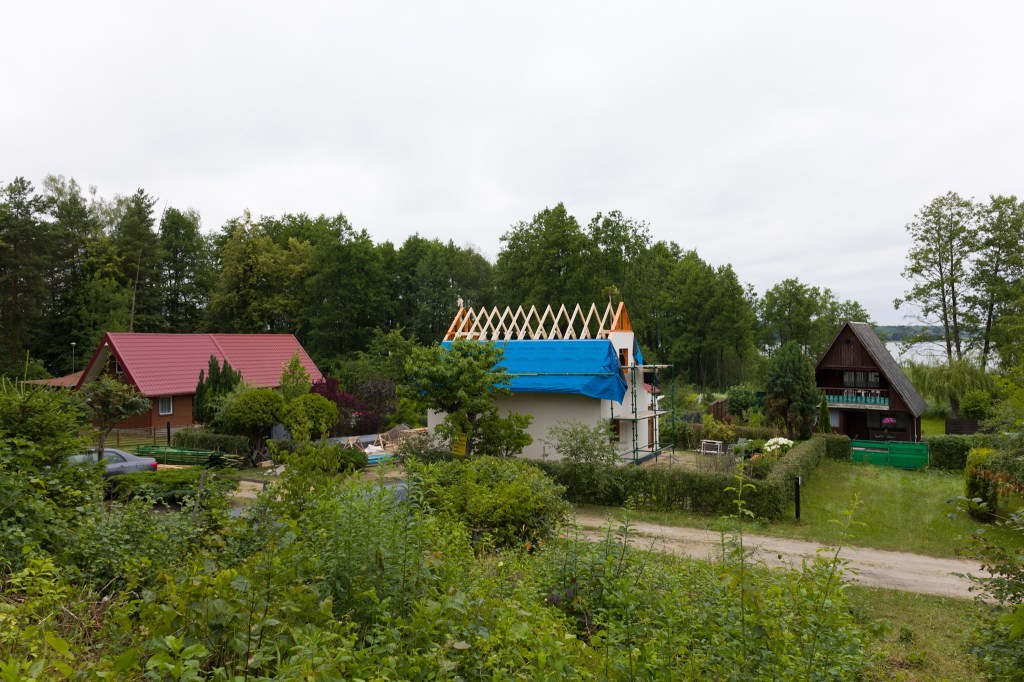
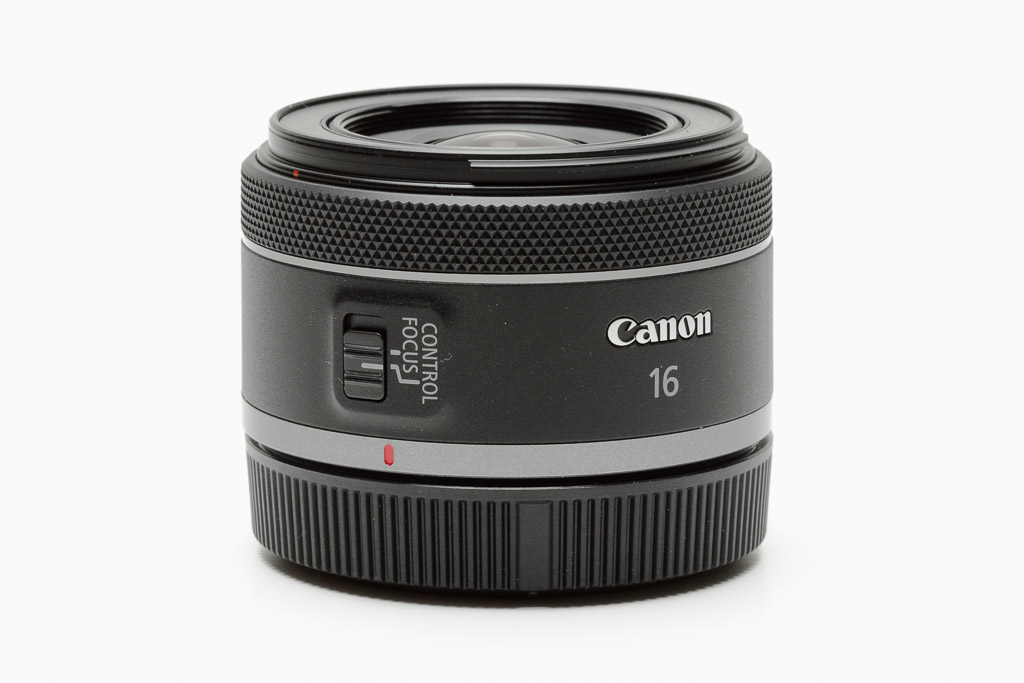
I’m writing this, sitting on the covered-deck of our cottage in Poland. Last year I travelled with my EOS M5 with a full suite of EF-M lenses. This year, I wanted to carry the R6 Mark II and chose to haul just two lenses across the Atlantic: the RF 24mm ƒ/1.8 Macro IS STM and the RF 16mm ƒ/2.8 STM.
I spent all spring shooting super telephoto with my new RF 100-500mm, so I felt a summer spent photographing wide-angle wouldn’t be a hardship. So far, so good. And this year’s RF-series kit is even lighter than the M-series kit. Next year I might invest in a compact RF-S travel zoom to extend my reach somewhat. How the RF 24mm ƒ/1.8 might fit into that kit I am unsure.
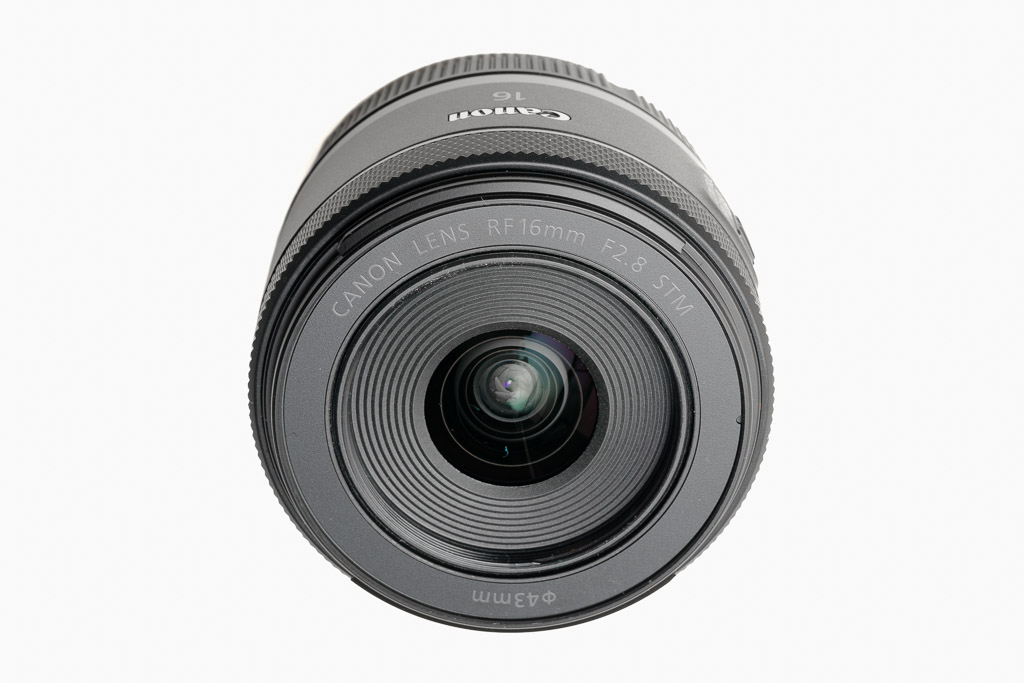
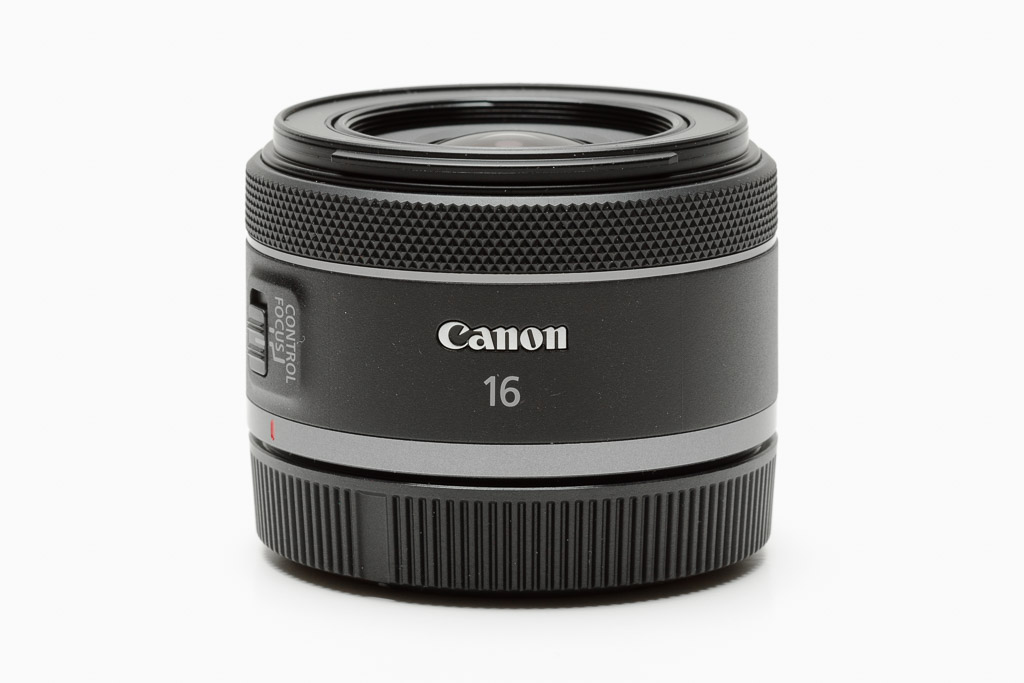
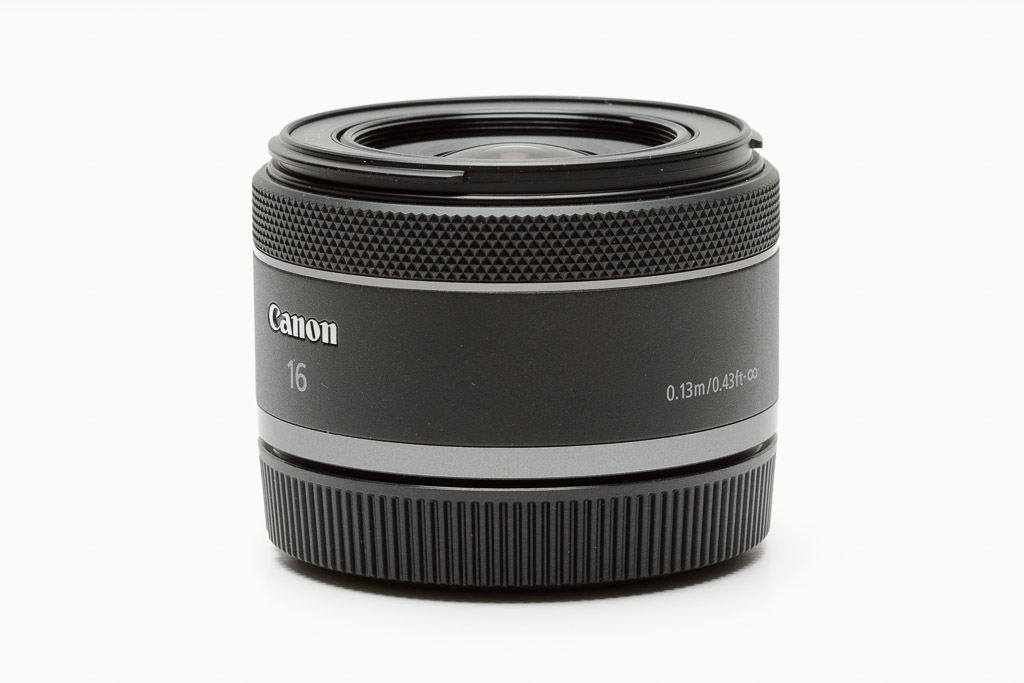
An ultra-wide pancake-style lens for full-frame RF-mount cameras, introduced in 2020. My only non-IS (image stabilized) RF lens.
The RF 16mm follows the design language of the other non-L non-macro RF primes (like the RF 50mm ƒ/1.8 STM). It has a single focus/control ring near the front of the lens and a single switch to toggle the ring’s function between Focus and Control.
Switching to manual focus mode requires diving into the camera’s menus or assigning a camera button as an auto-focus/manual-focus toggle. I use back-button-focus, so I essentially have full-time manual focus with auto-focus at the touch of a button.
At 69.2 mm long and 40.2 mm wide and weighing approximately 165 g, the RF 16mm is one of the most compact first-party RF lenses (though technically, it is 0.3 mm longer and 5 g heavier than the RF 50mm ƒ/1.8).
The lens relies heavily on in-camera distortion- and vignette-correction. In theory this sounds less than ideal, but given the introductory $299 price tag, I think this a fair compromise. And in reality, the corrections do not negatively impact image quality that much.
I’ve used ultra-wide lenses since the introduction of the original EF 16-35mm ƒ/2.8 USM. However, it is one thing to shoot full-frame with 16mm simply being the widest focal length on a zoom lens, and it is another thing to be locked into 16mm with a prime lens. Zooming with your feet often means creating a completely different photograph.
To me, this focal length (in a prime) is a fairly specialized piece of kit. The images it creates are interesting, but it’s not something I could shoot with everyday. That said, I bought it for two reasons: 1) it was inexpensive; and 2) it is compact and I wouldn’t mind having it in my camera bag most of the time.
Often, even when primarily shooting with the 24-105mm, 70-200mm, or 100-500mm, I will have this lens in my bag on the off chance I want to shoot something ultra-wide. Of course, if I have a preconceived plan for wide-angle landscapes in mind I bring my EF 16-35mm ƒ/4 L IS USM instead.
The RF 16mm has a 43mm filter thread and lens cap. I usually have a 43-52mm step-up ring installed so I can swap a 52mm lens cap and filters easily between this lens and my RF 24mm ƒ/1.8 Macro IS STM.
I also usually have the Canon EW-65C lens hood installed to combat flare.
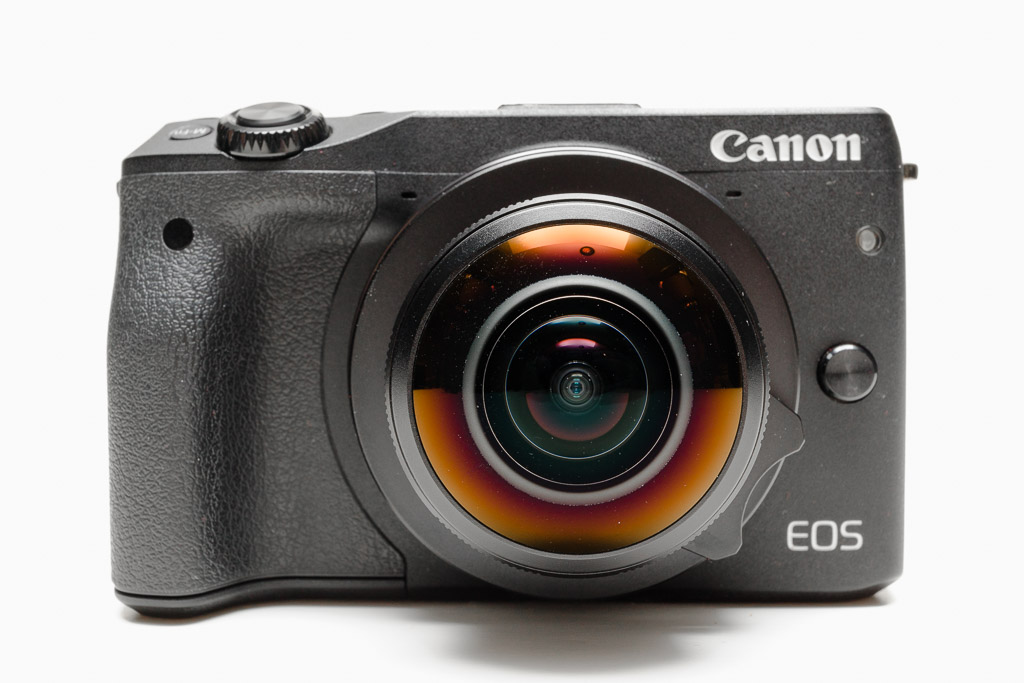
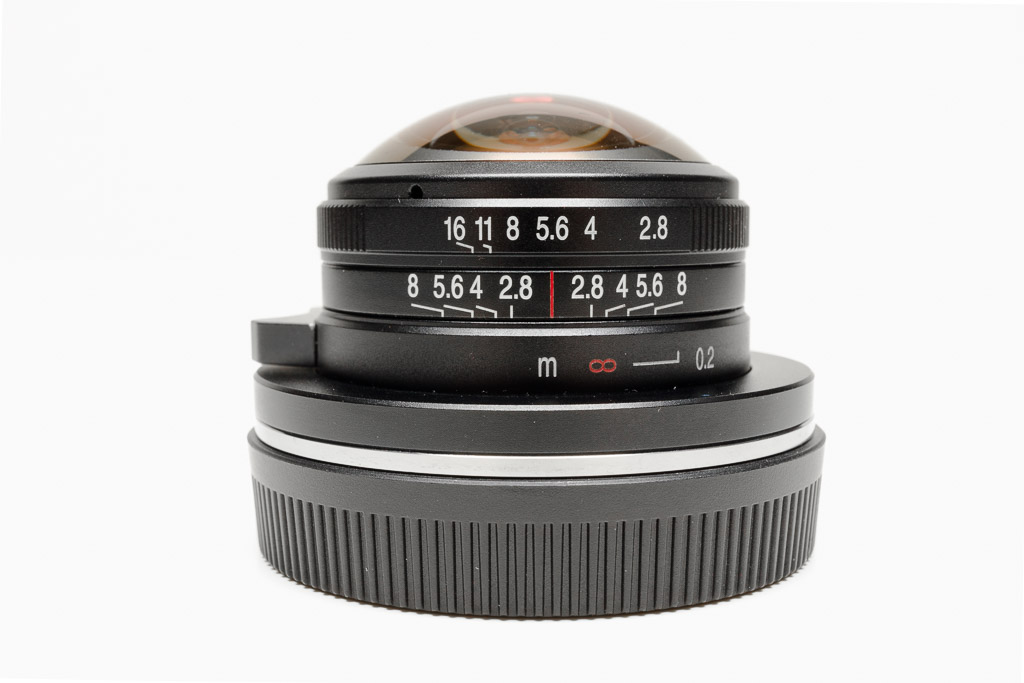
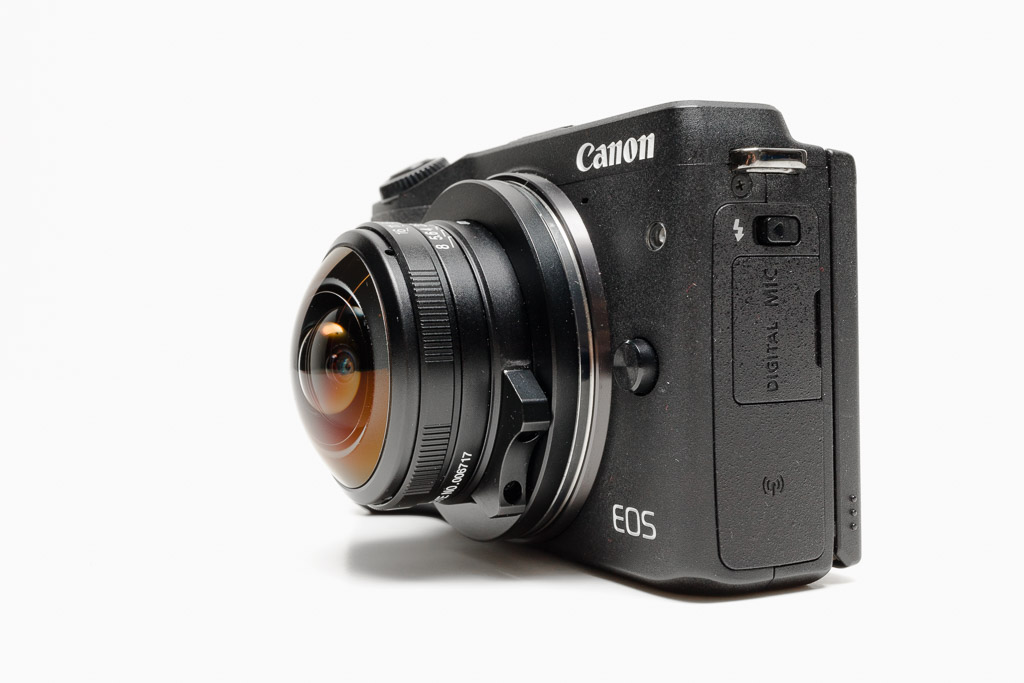
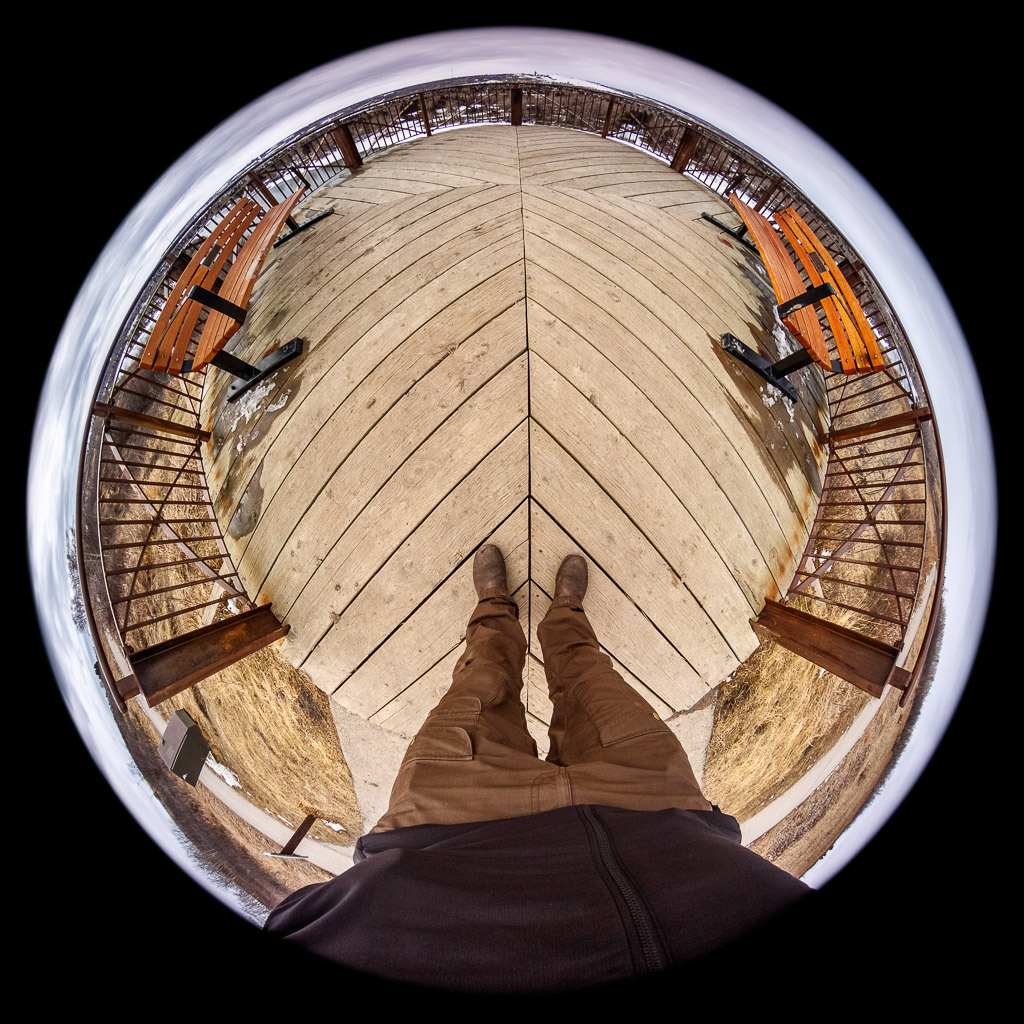
I bought the Venus Optics 4mm ƒ/2.8 Fisheye in April, 2020, shortly after the manufacturer announced that this compact lens was coming to the EF-M mount.
Amazingly this is only the second third-party lens I have ever purchased (not counting Lensbaby). The other is my Tamron 150-600mm super-telephoto. I’m a person of extremes I suppose.
I have always been intrigued by fisheye lenses. Even though I consider them a hyper-specialized lens category, I own more than my share of fisheyes: an Olloclip Fisheye for iPhone, the Lensbaby 12mm Fisheye Optic, and the Canon EF 8-15mm ƒ/4 L Fisheye USM.
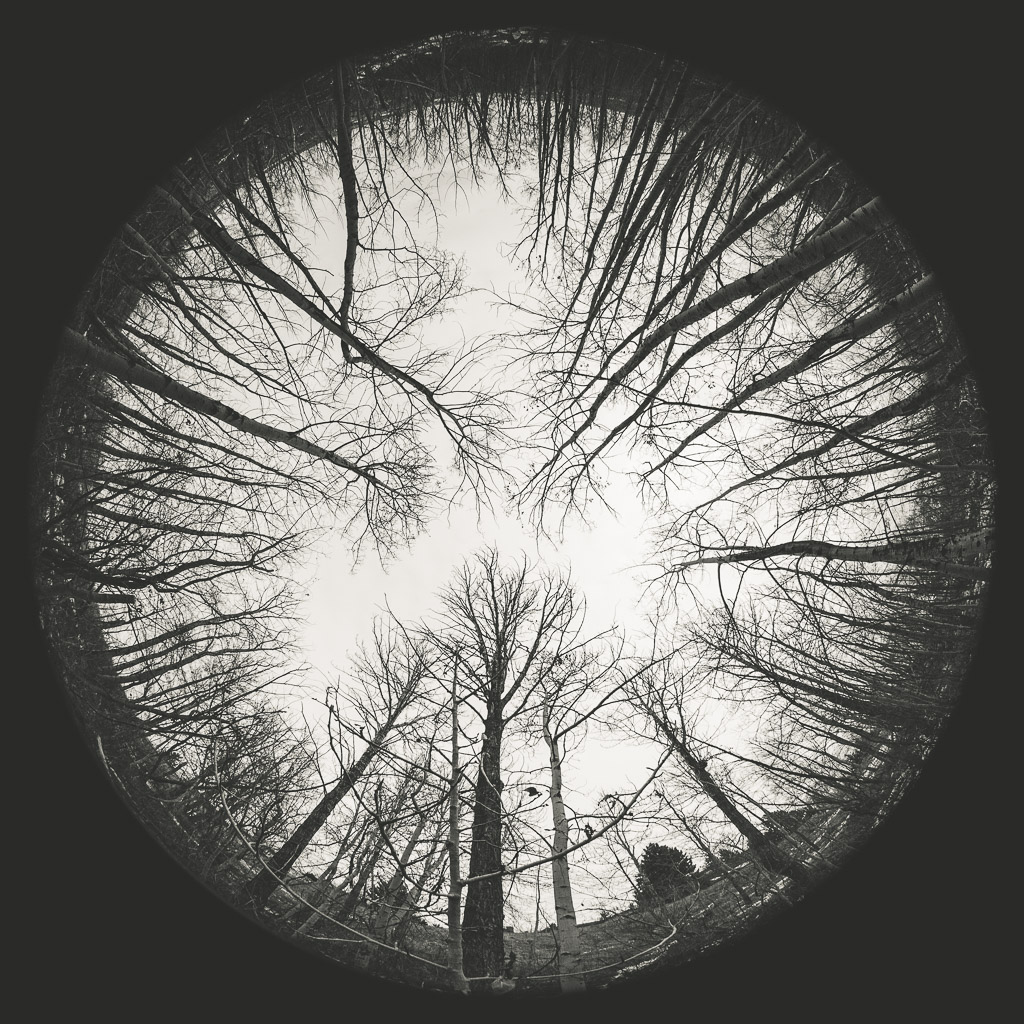
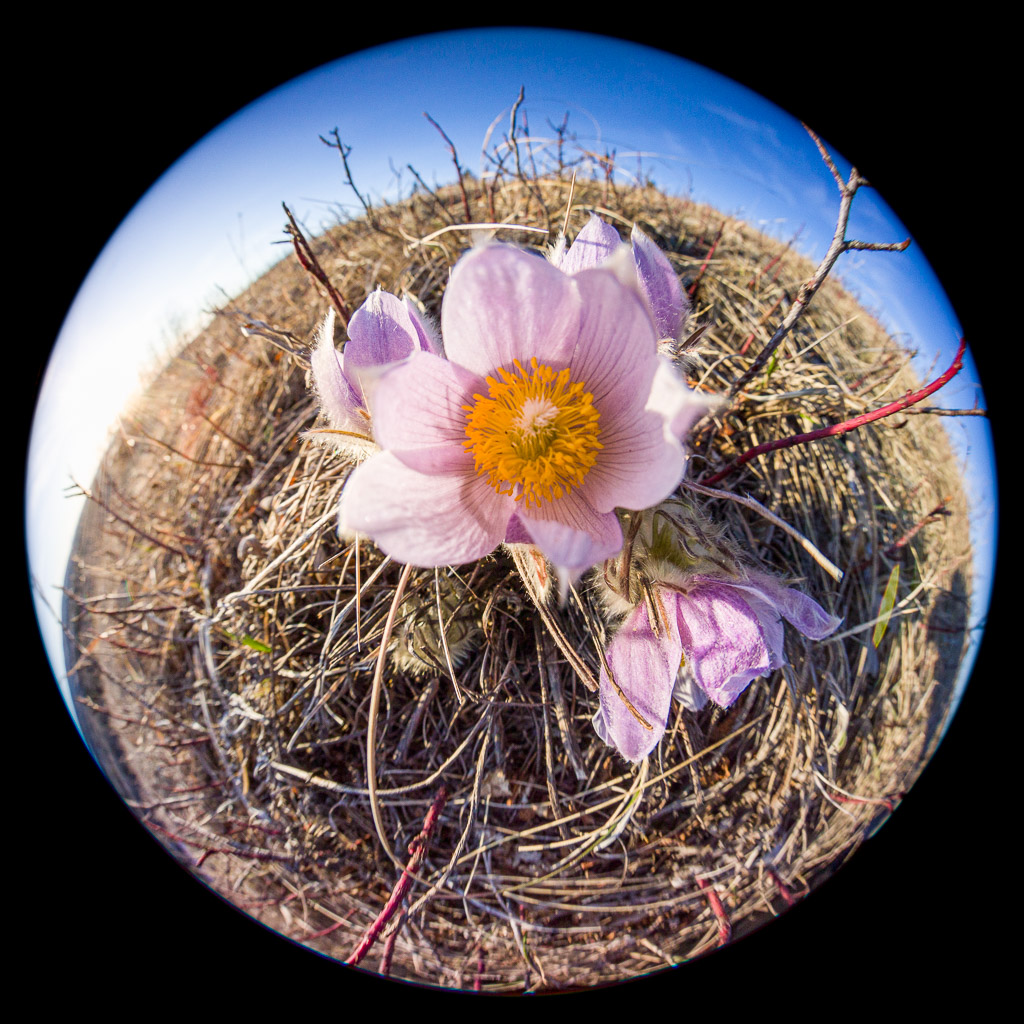
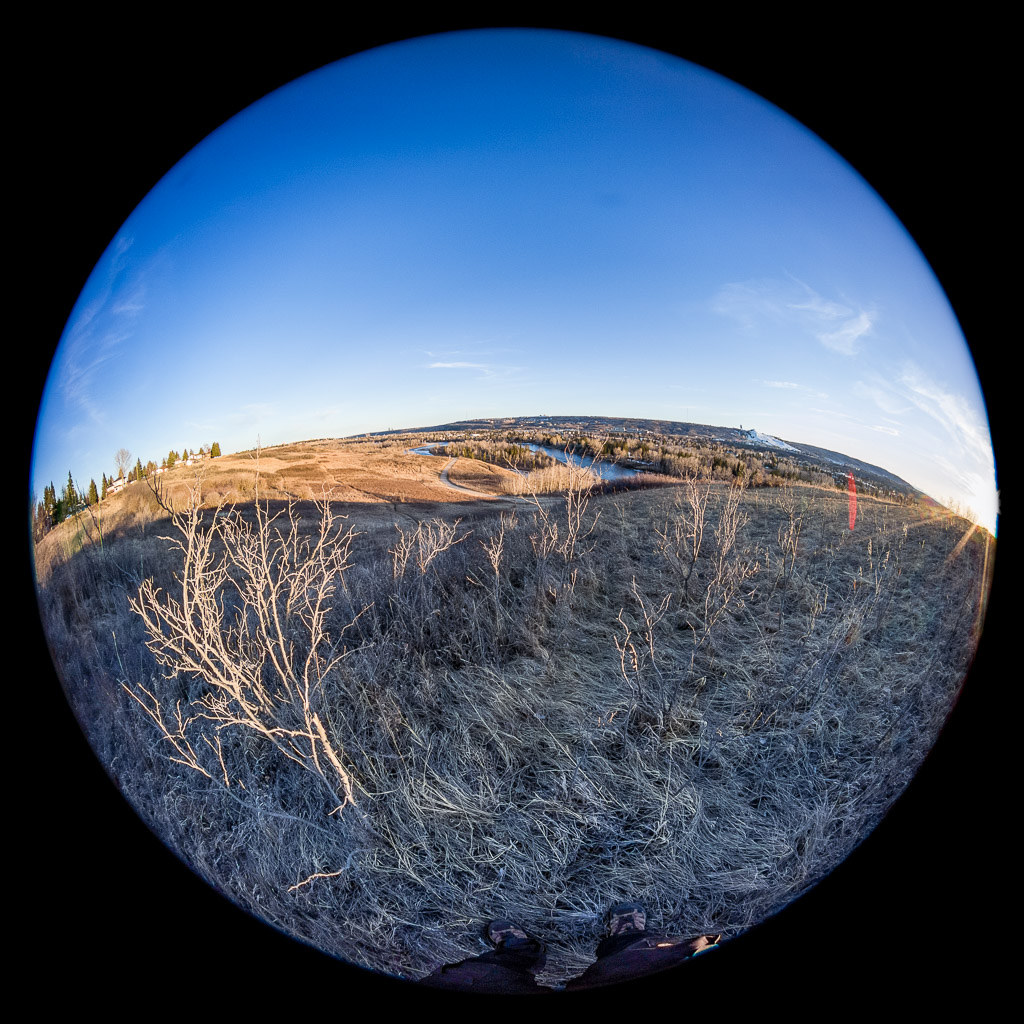
I wanted to add the Venus Optics Fisheye to my collection because it creates a full circular image on APS-C. It has a unique 210° field-of-view and was quite cheap at $199US (that’s less than 1 dollar per degree!)
The Venus Optics Fisheye is like a jewel. It is tiny, but it must have the highest weight to volume ratio of any lens I own.
It is a bit tricky to use, being manual focus and manual aperture. The aluminum lens cover is a friction fit but I have never had a problem with it slipping off.
I use this lens on the Canon EOS M3 which has the same sensor size and quality as the EOS M5. It lacks Dual Pixel CMOS AF, but that doesn’t mean anything in manual focus mode.
The reason I don’t use it on the M5 is that the M3 grip is much smaller and it is easier to avoid getting my knuckles in the frame. Getting my toes in the shot is pretty much a guarantee.
The Venus Optics Fisheye is relatively sharp when stopped down to ƒ/5.6 or ƒ/8. Stopping down also improves the quality of the edges of the image circle. Still, there is often a lot of fringing at the edges, so I usually add a sharp circular vignette to blackout those edges (I have a Lightroom Preset for this).




















































 Springer Photo Graphics